
Image mode
Create one static anime image from a text prompt.
- Input
- Text prompt
- Controls
- Standard or advanced image mode
- Output
- One 1024 × 1024 image with a download action
- Access
- Standard images cost 1 credit; advanced mode requires a paid plan
AI tagabuo ng anime
Gamitin ang AI tagabuo ng anime para planuhin ang anime workflow na may prompt, istruktura, detalye ng karakter, at susunod na editing steps.
Mas mataas na detalye ng henerasyon para sa mga bayad na plano
Mga halimbawa ng output
Ano ang maaaring magawa ng isang nakatuon na input
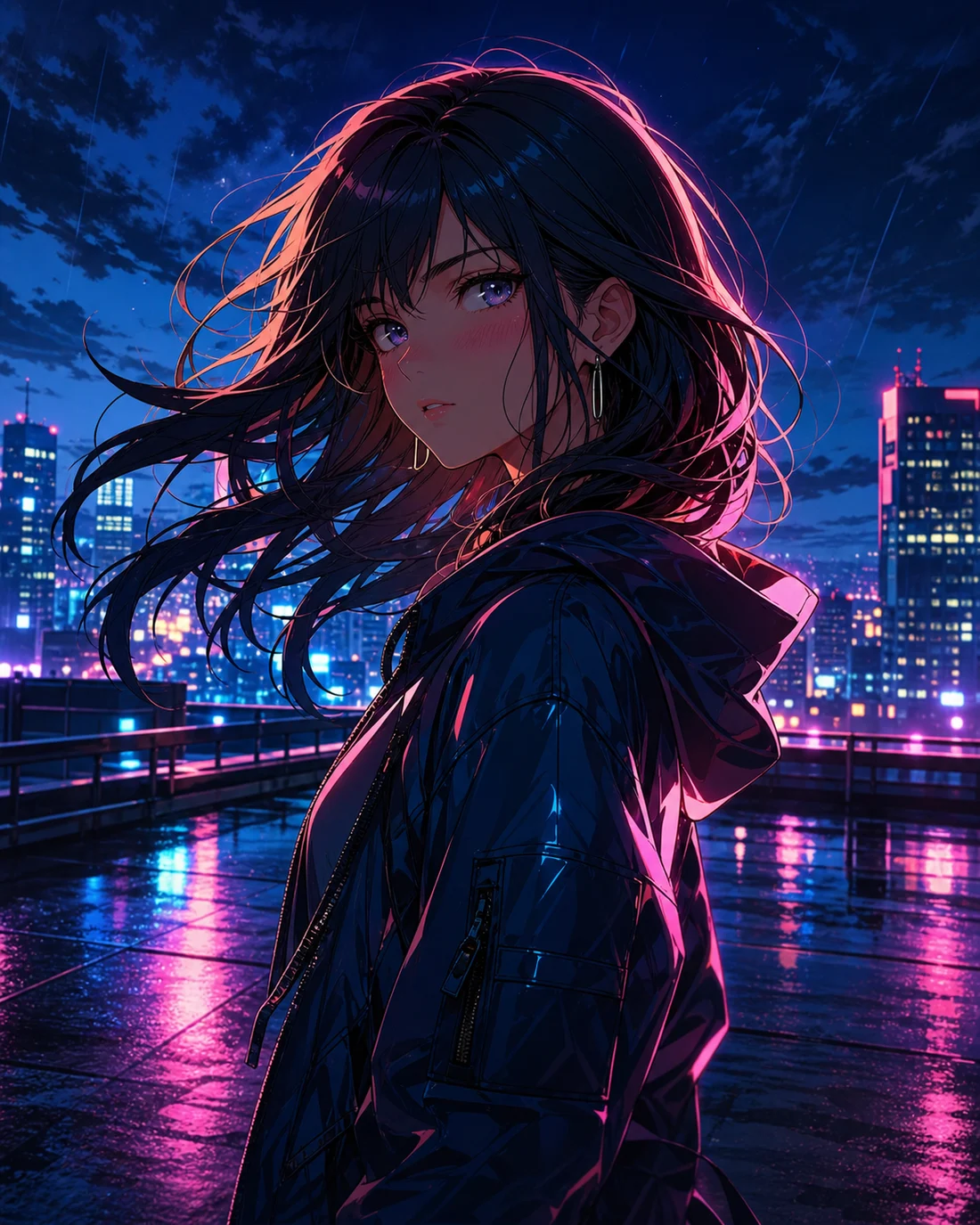
Pamantayang imahe
Advanced na imahe
Malinaw na brief
Itakda ang input, goal, at visual focus
Istruktura
Ayusin ang karakter, camera, ritmo, at espasyo para sa text
Madaling ayusin
Itabi ang detalye para sa susunod na edit
Mode capabilities
Both modes start with a prompt, but they use different inputs, controls, outputs, and credit rules. Choose the output first, then prepare the matching input.
Create one static anime image from a text prompt.
Create an animated anime clip from text or a reference image.
Mga Kaso ng Paggamit
Mas maayos gumana ang AI tagabuo ng anime kapag malinaw ang goal. Tukuyin muna ang subject, estilo, gamit, at detalyeng dapat manatili bago gumawa o mag-refine.

01
Ibuod ang karakter, eksena, mood, at goal sa maikling instruction.
“Anime character portrait on a neon rooftop at night, cyan and magenta rim light, expressive eyes, cinematic close-up”
02
Magdagdag ng expression, damit, background, composition, at style direction para mas madaling suriin ang resulta.
“Watercolor anime heroine walking through a quiet town at sunset, gentle camera push, hair moving in the breeze”
03
Maglaan ng visual order, text space, o galaw na ritmo mula pa lang sa simula.
“Cyberpunk anime interface comes alive around a focused pilot, glowing controls, slow cinematic camera move”
Daloy ng Trabaho
STEP 01
Pumili ng isang pangunahing goal at huwag pagsamahin ang mga ideyang walang kaugnayan.
STEP 02
Gumawa muna ng maikling unang version, saka ayusin ang image, character, at structure.
STEP 03
Itabi ang notes sa kulay, camera, character, at text para sa susunod na edit.
Prompt method
Write the subject, setting, visual direction, camera, and output-specific instruction in that order. Images need composition; videos also need one action and one camera move.
“Original anime swordswoman, short silver hair, deep blue cape, neon street in the rain, cyan rim light, bust portrait, clean cel shading”
Ihambing
Magsimula sa paksang ito
Mainam para tukuyin ang visual, text, at structure direction bago gumawa.
Kapag wala pang materyal
Isulat ang subject, style, composition, at gamit bago gumawa ng unang version.
Kapag may larawan na
Gamitin ang reference para mapanatili ang identity, pose, o composition habang binabago ang style.
Kapag kailangan ng text o layout
Mas nababasa ang output kapag hiwalay na inaayos ang text at layout.
Quality and recovery
FAQ
Tinutulungan ka ng AI tagabuo ng anime na gawing anime workflow ang ideya, may istruktura, estilo, at notes na handang i-refine.
Magsimula sa subject, eksena, mood, style, at final use. Mas malinaw ang unang brief, mas madaling pagandahin.
Ilagay ang subject, action, background, kulay, camera, text space, at final use. Idagdag ang key traits kung kailangan ng consistency.
Madalas kailangang i-edit ang text sa AI images. Planuhin muna ang text at posisyon, saka idagdag ang final copy kapag stable na ang art.
Oo. Pwede kang magpatuloy sa character, photo to anime, comic, manga, speech bubbles, o short video.
“Anime seaside train station on a cliff at golden hour, distant summer clouds, wide composition, soft watercolor texture, quiet nostalgic mood”
Buksan ang AI anime maker“Anime girl under cherry blossoms gently blinks and turns toward camera, breeze moves her hair and petals, slow camera push, restrained natural motion”
Buksan ang AI anime maker“Mecha pilot activates a glowing control deck, instruments light up in sequence, camera slowly arcs from behind, blue and amber lighting, cinematic pacing”
Buksan ang AI anime makerReduce the number of subjects, remove conflicting styles, and generate one scene first.
Keep one action, shorten the motion brief, and add a clear reference image when needed.
Use JPG, PNG, or WebP, or provide a public HTTP(S) image URL that the browser can reach.
Check the plan and current balance first. Failed video tasks attempt to refund the credits used.