
Image mode
Create one static anime image from a text prompt.
- Input
- Text prompt
- Controls
- Standard or advanced image mode
- Output
- One 1024 × 1024 image with a download action
- Access
- Standard images cost 1 credit; advanced mode requires a paid plan
AI anime oluşturucu
AI anime oluşturucu ile prompt, yapı, karakter ayrıntıları ve kolay düzenlenebilir sonraki adımlarla anime akışını planla.
Ücretli planlar için daha yüksek detaylı üretim
Örnek çıktılar
Odaklanmış bir girdiyi ne üretebilir?
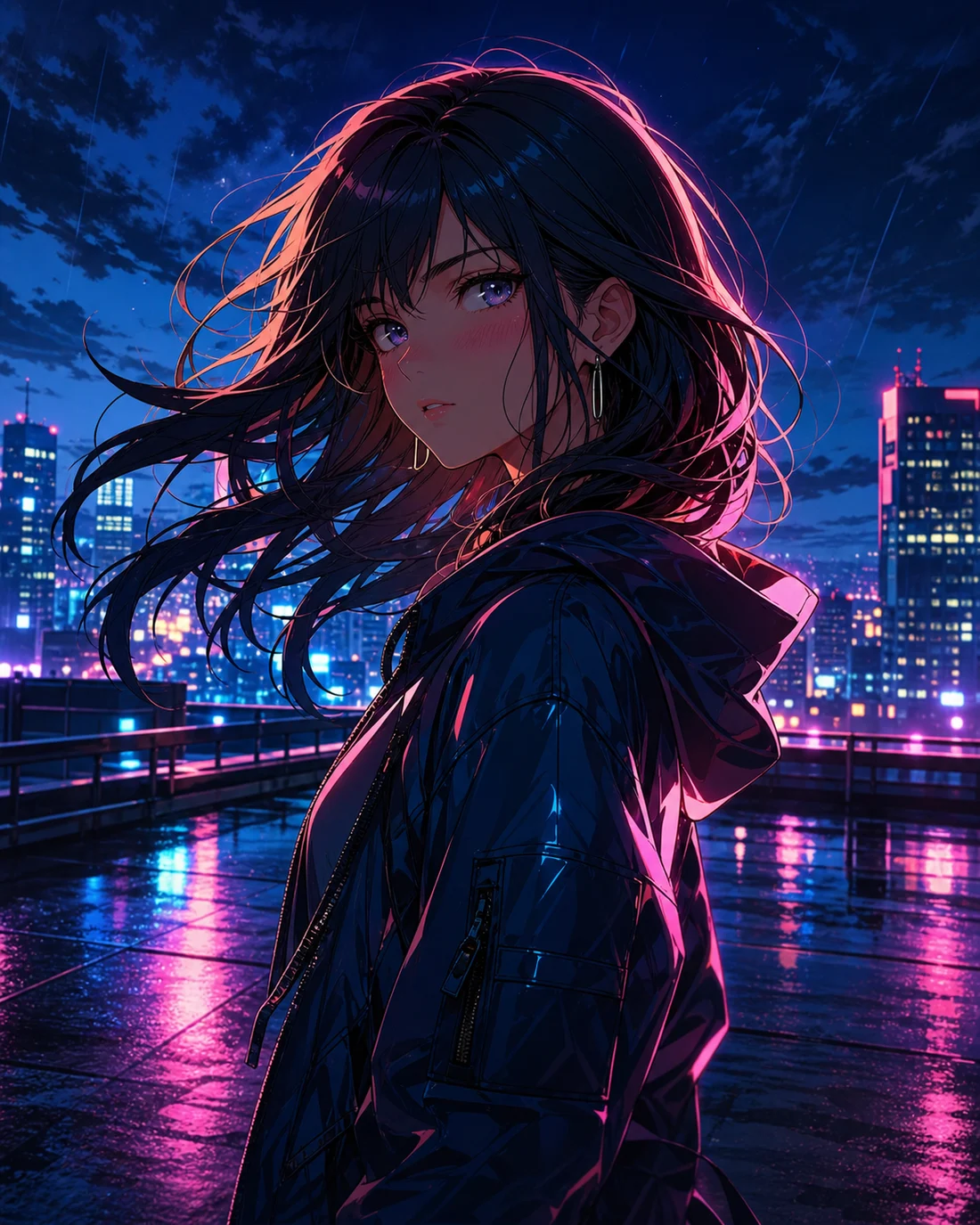
Standart görüntü
Gelişmiş görüntü
Net brief
Girdi, hedef ve görsel odağı belirle
Yapı
Karakter, kamera, ritim ve metin alanını düzenle
Rafine edilebilir
Sonraki düzenleme için ayrıntıları sakla
Mode capabilities
Both modes start with a prompt, but they use different inputs, controls, outputs, and credit rules. Choose the output first, then prepare the matching input.
Create one static anime image from a text prompt.
Create an animated anime clip from text or a reference image.
Kullanım Durumları
AI anime oluşturucu, hedef net olduğunda daha iyi çalışır. Üretmeden veya rafine etmeden önce konu, stil, kullanım amacı ve korunacak ayrıntıları belirle.

01
Karakterleri, sahneyi, duyguyu ve hedefi kısa bir yönergede özetle.
“Anime character portrait on a neon rooftop at night, cyan and magenta rim light, expressive eyes, cinematic close-up”
02
Sonucu daha iyi değerlendirmek için ifade, kıyafet, arka plan, kompozisyon ve stil yönü ekle.
“Watercolor anime heroine walking through a quiet town at sunset, gentle camera push, hair moving in the breeze”
03
Görsel sıralamayı, metin alanını veya hareket ritmini en baştan planla.
“Cyberpunk anime interface comes alive around a focused pilot, glowing controls, slow cinematic camera move”
İş Akışı
STEP 01
Tek bir ana hedef seç ve ilgisiz fikirleri aynı istekte karıştırma.
STEP 02
Kısa bir prompt ile ilk sürümü üret, ardından görseli, karakteri ve yapıyı ayarla.
STEP 03
Renk, kamera, karakter ve metin notlarını sonraki düzenleme için sakla.
Prompt method
Write the subject, setting, visual direction, camera, and output-specific instruction in that order. Images need composition; videos also need one action and one camera move.
“Original anime swordswoman, short silver hair, deep blue cape, neon street in the rain, cyan rim light, bust portrait, clean cel shading”
Karşılaştır
Bu temadan başlamak
Oluşturmadan önce görsel, metin ve yapı yönünü belirlemek için uygundur.
Henüz materyal yokken
İlk sürümden önce konu, stil, kompozisyon ve kullanım amacını yaz.
Zaten bir fotoğraf veya görsel varken
Referans kimliği, pozu veya kompozisyonu sabitlerken stili değiştirir.
Metin veya yerleşim gerektiğinde
Metin ve yerleşimi son aşamada ayırmak genellikle daha okunur sonuç verir.
Quality and recovery
SSS
AI anime oluşturucu, bir fikri yapı, stil ve rafine etmeye hazır notlarla anime akışına dönüştürmeye yardımcı olur.
Konu, sahne, duygu, stil ve kullanım amacıyla başla. İlk brief ne kadar net olursa iyileştirmek o kadar kolay olur.
Konu, aksiyon, arka plan, renk, kamera, metin alanı ve kullanım amacını ekle. Tutarlılık gerekiyorsa temel özellikleri de belirt.
AI görsellerindeki metin çoğu zaman düzenleme ister. Metin ve konumu önce planla, final metni görsel stabil olduktan sonra ekle.
Evet. Karakter, fotoğraftan animeye, çizgi roman, manga, konuşma balonu veya kısa video akışına devam edebilirsin.
“Anime seaside train station on a cliff at golden hour, distant summer clouds, wide composition, soft watercolor texture, quiet nostalgic mood”
Yapay zekâ anime oluşturucuyu aç“Anime girl under cherry blossoms gently blinks and turns toward camera, breeze moves her hair and petals, slow camera push, restrained natural motion”
Yapay zekâ anime oluşturucuyu aç“Mecha pilot activates a glowing control deck, instruments light up in sequence, camera slowly arcs from behind, blue and amber lighting, cinematic pacing”
Yapay zekâ anime oluşturucuyu açReduce the number of subjects, remove conflicting styles, and generate one scene first.
Keep one action, shorten the motion brief, and add a clear reference image when needed.
Use JPG, PNG, or WebP, or provide a public HTTP(S) image URL that the browser can reach.
Check the plan and current balance first. Failed video tasks attempt to refund the credits used.