
Image mode
Create one static anime image from a text prompt.
- Input
- Text prompt
- Controls
- Standard or advanced image mode
- Output
- One 1024 × 1024 image with a download action
- Access
- Standard images cost 1 credit; advanced mode requires a paid plan
AI 애니메이션 생성기
AI 애니메이션 생성기로 프롬프트, 구조, 캐릭터 정보, 이후 편집 단계를 갖춘 애니메이션 작업 흐름을 계획하세요.
유료 요금제의 더 높은 디테일 생성
예제 출력
한 번의 집중된 입력이 만들어낼 수 있는 것들
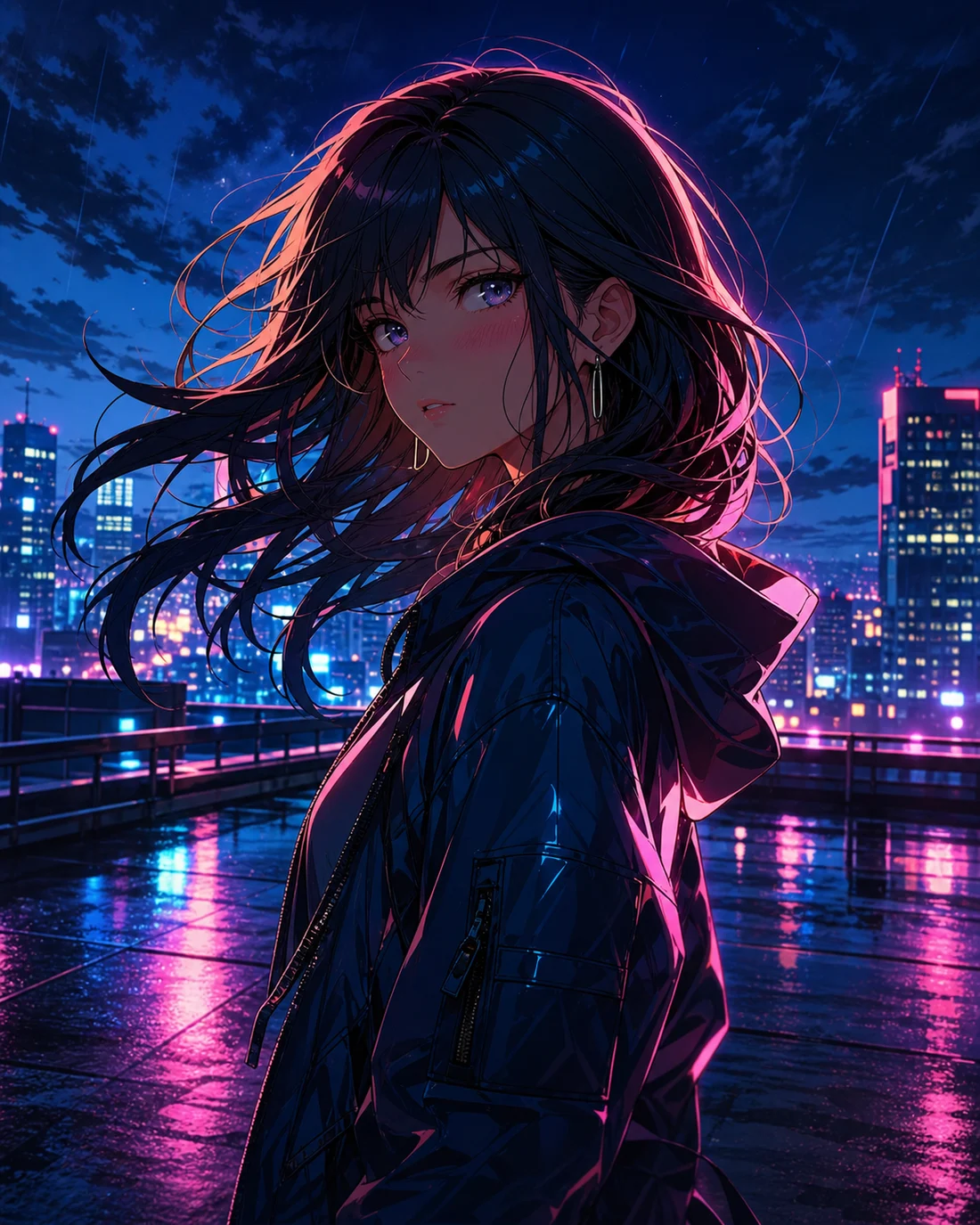
표준 이미지
고급 이미지
명확한 브리프
입력, 목표, 시각적 초점을 먼저 정리
구조 설계
캐릭터, 카메라, 흐름, 텍스트 공간을 정돈
수정 가능
다음 편집에 쓸 세부 정보를 보존
Mode capabilities
Both modes start with a prompt, but they use different inputs, controls, outputs, and credit rules. Choose the output first, then prepare the matching input.
Create one static anime image from a text prompt.
Create an animated anime clip from text or a reference image.
사용 사례
AI 애니메이션 생성기는 목표가 명확할수록 더 안정적입니다. 주제, 스타일, 사용 목적, 유지할 특징을 먼저 정리한 뒤 생성하거나 다듬어 보세요.

01
캐릭터, 장면, 분위기, 목적을 짧은 지시문으로 정리합니다.
“Anime character portrait on a neon rooftop at night, cyan and magenta rim light, expressive eyes, cinematic close-up”
02
표정, 의상, 배경, 구도, 스타일 방향을 추가해 결과를 더 쉽게 판단합니다.
“Watercolor anime heroine walking through a quiet town at sunset, gentle camera push, hair moving in the breeze”
03
시선 흐름, 텍스트 공간, 움직임 리듬을 처음부터 남겨 둡니다.
“Cyberpunk anime interface comes alive around a focused pilot, glowing controls, slow cinematic camera move”
워크플로우
STEP 01
하나의 주요 목표를 정하고 관련 없는 아이디어를 한 요청에 섞지 않습니다.
STEP 02
짧은 프롬프트로 첫 버전을 만든 뒤 이미지, 캐릭터, 구조를 조정합니다.
STEP 03
색상, 카메라, 캐릭터, 텍스트 메모를 저장해 다음 편집에 활용합니다.
Prompt method
Write the subject, setting, visual direction, camera, and output-specific instruction in that order. Images need composition; videos also need one action and one camera move.
“Original anime swordswoman, short silver hair, deep blue cape, neon street in the rain, cyan rim light, bust portrait, clean cel shading”
비교
이 주제에서 시작
제작 전에 시각 방향, 텍스트 방향, 구조를 정하는 데 적합합니다.
아직 자료가 없을 때
주제, 스타일, 구도, 사용 목적을 쓴 뒤 첫 버전을 만듭니다.
이미 사진이나 이미지가 있을 때
참고 이미지를 통해 정체성, 포즈, 구도를 고정하고 스타일을 바꿉니다.
텍스트나 레이아웃이 필요할 때
텍스트와 배치를 후반에 분리해 처리하면 더 읽기 쉬운 결과가 됩니다.
Quality and recovery
자주 묻는 질문
AI 애니메이션 생성기는 아이디어를 구조, 스타일, 편집 메모가 있는 애니메이션 작업 흐름으로 정리해 줍니다.
주제, 장면, 분위기, 스타일, 사용 목적을 짧게 정리하세요. 첫 브리프가 명확할수록 개선이 쉽습니다.
주제, 동작, 배경, 색상, 카메라, 텍스트 공간, 사용 목적을 포함하세요. 일관성이 필요하면 핵심 특징도 남기세요.
AI 이미지 속 텍스트는 수정이 필요할 때가 많습니다. 텍스트와 위치를 먼저 계획하고, 이미지가 안정된 뒤 최종 문구를 넣는 편이 좋습니다.
네. 캐릭터, 사진 애니메이션화, 코믹, 만화, 말풍선, 짧은 영상으로 이어갈 수 있습니다.
“Anime seaside train station on a cliff at golden hour, distant summer clouds, wide composition, soft watercolor texture, quiet nostalgic mood”
AI 애니메이션 제작 도구 열기“Anime girl under cherry blossoms gently blinks and turns toward camera, breeze moves her hair and petals, slow camera push, restrained natural motion”
AI 애니메이션 제작 도구 열기“Mecha pilot activates a glowing control deck, instruments light up in sequence, camera slowly arcs from behind, blue and amber lighting, cinematic pacing”
AI 애니메이션 제작 도구 열기Reduce the number of subjects, remove conflicting styles, and generate one scene first.
Keep one action, shorten the motion brief, and add a clear reference image when needed.
Use JPG, PNG, or WebP, or provide a public HTTP(S) image URL that the browser can reach.
Check the plan and current balance first. Failed video tasks attempt to refund the credits used.