

01
Design for a phone-sized first impression
A readable silhouette, one emotional focus, and controlled background detail matter more than decorative density. Shrink the preview while reviewing; if the pose and mood disappear, simplify.
AI manhwa generator
Create polished full-color story keyframes with clean linework and mobile-readable composition.
The starter prompt treats the image as a key panel, not a complete episode. Replace the character, setting, emotion, and shot purpose with details from your scene.
Higher-detail generation for paid plans
Example outputs
What one focused input can produce
Standard image
Advanced image
Output
one 1024 × 1024 raster illustration or compact page concept
Best for
character reveals, episode keyframes, romance or action beats, thumbnails, and pitch materials
Not designed for
automatic vertical episodes, exact recurring-character control, dependable Korean lettering, or layered production files
A polished portrait is not automatically a useful manhwa panel. The image also needs readable emotion, value hierarchy, and space for the next beat.
01
A readable silhouette, one emotional focus, and controlled background detail matter more than decorative density. Shrink the preview while reviewing; if the pose and mood disappear, simplify.
02
Outline the episode and decide which moments deserve art before generating. This tool is strongest as a keyframe maker, while pacing, panel order, dialogue, and vertical spacing remain editorial tasks.
03
Describe line weight, palette, lighting, wardrobe, and environment directly. Do not rely on a named artist or franchise as shorthand; specific visual language is more controllable and safer to publish.
01
Decide whether the image establishes a place, reveals information, lands an emotion, or advances action.
02
Record age range, silhouette, clothing, hair, expression, and one recurring object.
03
Specify framing, camera height, subject placement, lighting direction, and negative space.
04
Check face, hands, silhouette, value hierarchy, and whether the focal point survives on mobile.
05
Add lettering, gutters, vertical spacing, credits, and accessibility text in a comic production tool.
“Close manhwa-style panel of two chefs cleaning a restaurant after midnight, their hands almost touching beside one warm lamp, cool kitchen background, subtle expressions, blank dialogue area.”
Why it works: The prompt gives the emotion a physical focal point and limits the background to supporting contrast.
“Low-angle full-color panel of a junior prosecutor opening an evidence box that emits violet light, papers lifting in the air, controlled expression, crisp linework, original costume.”
Why it works: One action, one light source, and one prop create drama without requiring a complicated fight scene.
“Wide panel of a coastal city where delivery riders travel on suspended rail bicycles, sunrise haze, foreground rider in red jacket, layered architecture, clean readable shapes.”
Work through character continuity, vertical pacing, lighting, lettering space, and export choices without treating one generated square as a finished episode.
Although the generator returns a square image, a manhwa concept should be planned with a future vertical crop in mind. Keep the decisive face, gesture, or prop away from the extreme left and right edges, and leave breathing room above or below when the panel may need dialogue. A strong keyframe has one immediate focal point, a clear foreground-to-background path, and a value pattern that still reads on a narrow phone screen. Crowded ensemble scenes usually become harder to crop and letter.
Think in episode beats rather than isolated beauty shots. An establishing panel needs location and atmosphere; a reaction panel needs readable eyes and posture; an action panel needs a clean silhouette and directional force; a reveal needs controlled empty space before the new information. Decide which job the generated panel performs. That decision guides the camera angle, detail density, and amount of background information far better than asking for a generic polished manhwa scene.
The current generator returns a square asset. Crop or recompose it when building a scrolling episode.
The generator does not remember prior panels. Maintain a written character and palette sheet for continuity.
Generated Korean or English text may be malformed, so reserve space and add final dialogue manually.
Complex hands, crowds, jewelry, and overlapping limbs deserve close review and may require regeneration or paint-over.
Reviewed 2026-07-22 · Anime Maker product and editorial team
Page illustrations are editorial examples, not live account task logs. Judge the tool by the result shown in your own output panel.
It creates one square, full-color raster image suited to a story keyframe or compact page concept. It does not automatically assemble a vertical webcomic episode.
You can generate visual concepts and panels, then assemble, crop, letter, and pace them in a separate comic editor. Final language and publishing decisions remain yours.
This page emphasizes full-color digital panels, cinematic lighting, and mobile-first webcomic planning. The manga page is better aligned with monochrome pages and screentone language.
Choose the emotional beat and camera distance first, then keep the approved character anchors for the next panel.
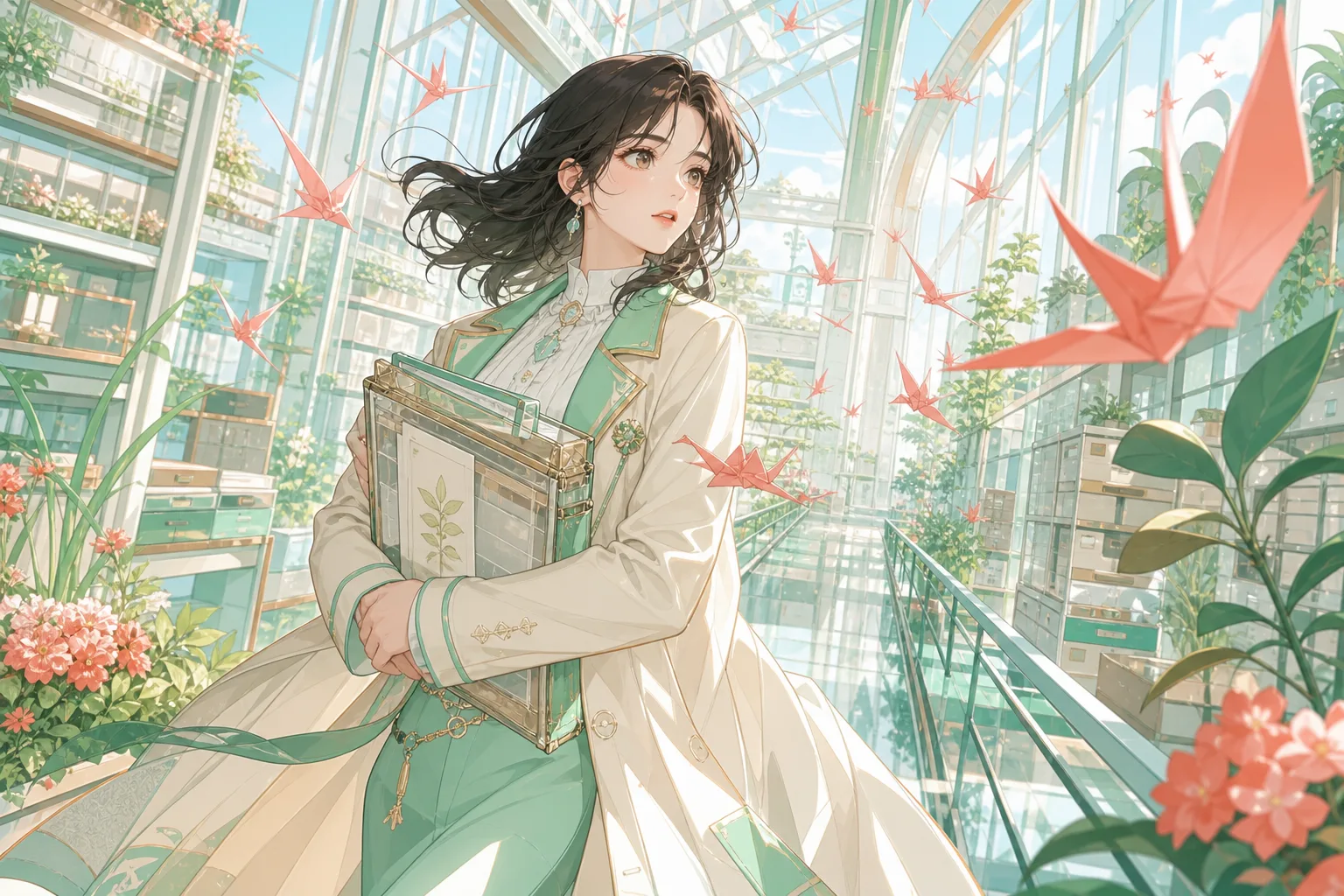
Create a manhwa panelThe pale background, mint costume anchors, and coral paper cranes keep the focal character readable at phone size.
Why it works: A foreground anchor and clear depth layers make a dense environment easier to understand.
Full-color manhwa often depends on lighting to control attention. Choose one dominant temperature and one accent instead of distributing saturated color everywhere. Put the strongest contrast around the face, hand, weapon, letter, or other story-bearing element. Background color can carry time and mood, but it should not compete with the action. When the first result feels busy, reduce the number of light sources or ask for simpler value grouping before adding more detail.
Skin, hair, and clothing must remain distinguishable under the chosen lighting. A dramatic blue night scene still needs enough warm or neutral information for expressions to read. Review the image in grayscale to see whether the focal subject separates from the environment. Also inspect gradients, jewelry, eye color, and costume trim at full size; those small details often drift between concepts and should be recorded if the character will return later.
A scrolling episode needs more than one attractive frame. Create a reference sheet for each recurring character, define a limited palette for the scene, and write a shot list before generating individual key moments. Reuse the same concrete descriptors for hair, clothing, age, height, and signature objects. Generate complex action and quiet dialogue separately so each image has a clear purpose. The final episode should be assembled in a comic editor where pacing, gutters, speech, and transitions remain adjustable.
Export the strongest images before moving to a new direction and keep notes about crops, paint-over, and lettering. Check that speech areas follow the intended reading order and that important expressions survive the mobile crop. Generated words should be removed and replaced with exact dialogue. If the project will be published commercially, review character originality, reference rights, platform rules, and any disclosure requirements rather than assuming a polished image is automatically ready for release.
Preview the assembled sequence as a continuous vertical strip, not only as separate panels. Long empty gaps can slow a tense exchange, while dense clusters can make an emotional moment feel rushed. Use spacing, repeated environmental details, and changes in shot distance to control pace. Confirm that color and clothing remain stable across adjacent panels, then export a lightweight mobile preview before preparing the full-resolution episode. This catches reading-order and crop problems while they are still inexpensive to correct.
Turn the episode outline into a shot ledger before producing final art. Give every planned panel a number, narrative job, character list, location, time, camera distance, dialogue estimate, and continuity note. The ledger exposes expensive contradictions early: a prop introduced after it is used, a costume that changes inside one conversation, or a location transition without an establishing beat. Mark which panels can reuse a background and which require a new environment. Generate the high-risk images first—crowds, complex action, unusual perspective, or key emotional close-ups—because they are most likely to affect the schedule. A beautiful low-risk reaction panel should not consume the time needed to solve the episode’s central visual problem.
Design dialogue for vertical reading rather than adapting a print page at the end. Place balloons so the eye moves naturally down the screen, and reserve enough horizontal room for translated text. Keep tails short and unambiguous; on a phone, a subtle tail can disappear against detailed hair or clothing. Separate narration, internal thought, dialogue, and system text with a consistent visual treatment. Test the sequence with temporary real-length copy before approving the artwork. If balloons repeatedly cover faces or props, the composition was not planned for lettering. Move or regenerate the subject instead of squeezing every sentence into the margins. Final wording should be added in a layout tool, where spelling, punctuation, kerning, and accessibility can be controlled.
Build a continuity package that a second artist could use without reading every prompt. Include character turnarounds, approved facial proportions, palette values, clothing construction, height relationships, recurring props, and location references. Add notes for features that generators often change, such as earrings, scars, eye color, lapel direction, or weapon grip. For each accepted panel, record what drifted and how it was repaired. This turns corrections into future instructions. Do not overload every prompt with the entire bible; include only the anchors visible in that shot. The full package remains the review standard, while the prompt stays focused enough to describe the current action, camera, and light.
Review pacing in context at two scales. First scroll quickly at normal phone width and note where the eye stops, skips, or becomes uncertain. Then inspect full resolution for anatomy, costume details, repeated background objects, and color seams. A long gap can create suspense, but an accidental gap after a minor line feels like missing content. A dense action cluster can feel urgent, but too many similar close-ups flatten the rhythm. Use changes in panel height, viewpoint, and environmental detail deliberately. Export a low-bandwidth test version and open it on an ordinary connection; an episode that loads as isolated fragments cannot deliver the pacing designed in the editor.
Complete a publication check that covers both creative rights and reader expectations. Verify reference permissions, character originality, font licenses, platform size limits, disclosure rules, and content warnings. Remove generated lettering, accidental logos, signatures, and symbols that could imply a real studio or franchise. Keep source files, prompts, references, retouch notes, and localized dialogue in an organized archive. If an episode contains a realistic person, sensitive event, or claim that could be interpreted as factual, label the image as an illustration and review the context more carefully. A release-ready manhwa episode is not merely a stack of attractive panels; it is an intentional, readable, documented sequence.
Before scheduling the episode, run a release rehearsal from the same files readers will receive. Upload a private draft, scroll it at normal speed, test links and episode navigation, and check that the first image does not expose a spoiler in its thumbnail. Verify that file names and order survive the platform uploader, because a single misplaced panel can break a conversation. Ask a reviewer unfamiliar with the script to summarize the scene, identify speakers, and point out continuity changes. Check dialogue once more after localization, not only in the source language. Archive the final vertical master, individual panel exports, fonts, credits, content warnings, and publication notes. This makes corrections and future translations possible without rebuilding the episode from flattened screenshots.
After publication, note where readers stop, misunderstand a transition, or comment on inconsistent faces and clothing. Treat those observations as production evidence, not a request to chase every preference. Update the shot ledger and character bible when the same issue appears more than once. For the next episode, solve the cause before generation: clearer establishing information, fewer simultaneous speakers, a stronger continuity anchor, or more space for dialogue. A sustainable series improves through a documented loop between planning, generation, assembly, release, and reader response.
A broad manhwa direction does not settle rights questions. Use original characters and review platform and commercial requirements.
Exact consistency is not guaranteed. A compact character bible, repeated anchors, and manual correction provide a more reliable production process.
Describe the intent of the dialogue and ask for blank space, but add exact words later. This prevents spelling errors and gives you control of bubble placement.
Usage can depend on your plan, the generation provider, source material, and local law. Avoid protected characters and obtain professional advice for high-risk commercial uses.