
Image mode
Create one static anime image from a text prompt.
- Input
- Text prompt
- Controls
- Standard or advanced image mode
- Output
- One 1024 × 1024 image with a download action
- Access
- Standard images cost 1 credit; advanced mode requires a paid plan
AI అనిమే జనరేటర్
AI అనిమే జనరేటర్ తో prompt, నిర్మాణం, పాత్ర వివరాలు మరియు తదుపరి editing steps కలిగిన anime workflow ప్లాన్ చేయండి.
పెయిడ్ ప్లాన్ ల కొరకు హై డిటైల్ జనరేషన్
ఉదాహరణ అవుట్ పుట్ లు
ఒక ఫోకస్డ్ ఇన్ పుట్ ఏమి ఉత్పత్తి చేయగలదు
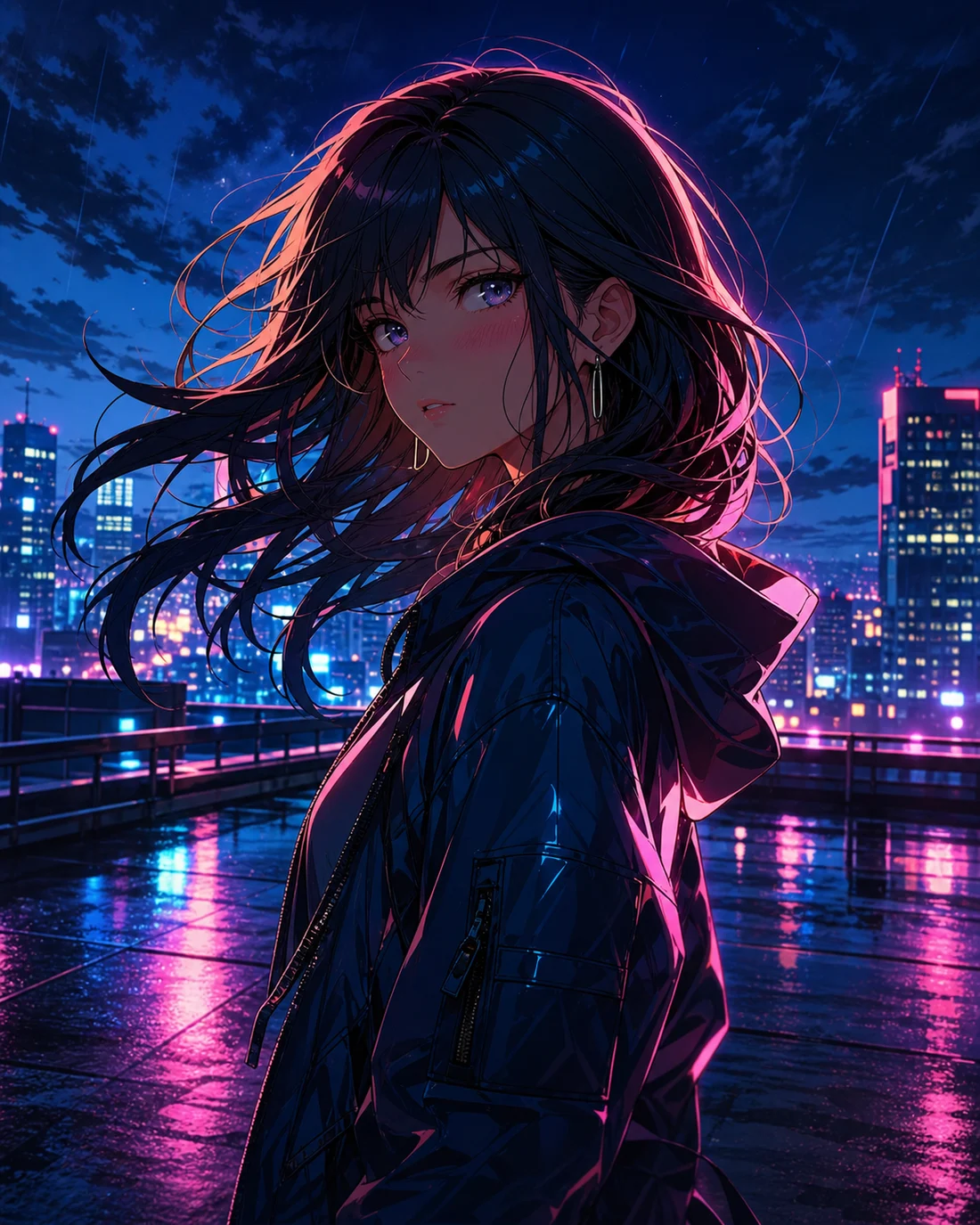
ప్రామాణిక చిత్రం
అధునాతన చిత్రం
స్పష్టమైన brief
Input, లక్ష్యం మరియు visual focus నిర్ణయించండి
నిర్మాణం
పాత్రలు, camera, rhythm మరియు text space ను అమర్చండి
మెరుగుపరచవచ్చు
తదుపరి edit కోసం details నిల్వ చేయండి
Mode capabilities
Both modes start with a prompt, but they use different inputs, controls, outputs, and credit rules. Choose the output first, then prepare the matching input.
Create one static anime image from a text prompt.
Create an animated anime clip from text or a reference image.
కేసులను ఉపయోగించండి
లక్ష్యం స్పష్టంగా ఉన్నప్పుడు AI అనిమే జనరేటర్ బాగా పనిచేస్తుంది. Generate లేదా refine చేసే ముందు subject, style, final use మరియు నిలుపుకోవాల్సిన details నిర్ణయించండి.

01
Characters, scene, mood మరియు goal ను చిన్న instruction గా రాయండి.
“Anime character portrait on a neon rooftop at night, cyan and magenta rim light, expressive eyes, cinematic close-up”
02
Result ను అంచనా వేయడానికి expression, outfit, background, composition మరియు style direction జోడించండి.
“Watercolor anime heroine walking through a quiet town at sunset, gentle camera push, hair moving in the breeze”
03
Visual order, text space లేదా motion rhythm ను మొదటినుంచే ప్లాన్ చేయండి.
“Cyberpunk anime interface comes alive around a focused pilot, glowing controls, slow cinematic camera move”
వర్క్ ఫ్లో
STEP 01
ఒక ప్రధాన లక్ష్యాన్ని ఎంచుకుని, సంబంధం లేని ideas ను ఒకే request లో కలపవద్దు.
STEP 02
చిన్న prompt తో మొదటి version సృష్టించి, తరువాత image, character మరియు structure మార్చండి.
STEP 03
తదుపరి edit కోసం color, camera, character మరియు text notes నిల్వ చేయండి.
Prompt method
Write the subject, setting, visual direction, camera, and output-specific instruction in that order. Images need composition; videos also need one action and one camera move.
“Original anime swordswoman, short silver hair, deep blue cape, neon street in the rain, cyan rim light, bust portrait, clean cel shading”
పోల్చండి
ఈ topic తో ప్రారంభించడానికి
సృష్టించే ముందు visual, text మరియు structure direction నిర్ణయించడానికి ఉపయోగపడుతుంది.
ఇంకా material లేనప్పుడు
మొదటి version కు ముందు subject, style, composition మరియు use రాయండి.
ఇప్పటికే photo లేదా image ఉన్నప్పుడు
Style మార్చేటప్పుడు reference identity, pose లేదా composition ను స్థిరంగా ఉంచుతుంది.
Text లేదా layout అవసరమైనప్పుడు
Text మరియు layout ను విడిగా edit చేస్తే result ఎక్కువగా readable అవుతుంది.
Quality and recovery
తరచూ అడిగే ప్రశ్నలు
AI అనిమే జనరేటర్ ఒక idea ను structure, style మరియు refine-ready notes ఉన్న anime workflow గా మార్చడంలో సహాయపడుతుంది.
Subject, scene, mood, style మరియు final use తో ప్రారంభించండి. మొదటి brief ఎంత స్పష్టంగా ఉంటే మెరుగుపరచడం అంత సులభం.
Subject, action, background, color, camera, text space మరియు final use చేర్చండి. Consistency అవసరమైతే key traits కూడా జోడించండి.
AI images లో text చాలాసార్లు edit కావాలి. ముందుగా text మరియు placement ప్లాన్ చేసి, art stable అయిన తర్వాత final text జోడించండి.
అవును. Character, photo to anime, comic, manga, speech bubbles లేదా short video కు కొనసాగించవచ్చు.
“Anime seaside train station on a cliff at golden hour, distant summer clouds, wide composition, soft watercolor texture, quiet nostalgic mood”
AI అనిమే క్రియేటర్ను తెరవండి“Anime girl under cherry blossoms gently blinks and turns toward camera, breeze moves her hair and petals, slow camera push, restrained natural motion”
AI అనిమే క్రియేటర్ను తెరవండి“Mecha pilot activates a glowing control deck, instruments light up in sequence, camera slowly arcs from behind, blue and amber lighting, cinematic pacing”
AI అనిమే క్రియేటర్ను తెరవండిReduce the number of subjects, remove conflicting styles, and generate one scene first.
Keep one action, shorten the motion brief, and add a clear reference image when needed.
Use JPG, PNG, or WebP, or provide a public HTTP(S) image URL that the browser can reach.
Check the plan and current balance first. Failed video tasks attempt to refund the credits used.