

Character portraits
Create profile images, portraits, and original character concepts.
Open the generatorAI anime image generator
Write a prompt of up to 2,500 characters and generate one 1024 × 1024 anime image. A generation normally costs 1 credit; Unlimited image access does not use image credits.
Write a prompt of up to 2,500 characters and generate one 1024 × 1024 anime image. A generation normally costs 1 credit; Unlimited image access does not use image credits.
Higher-detail generation for paid plans
Example outputs
What one focused input can produce
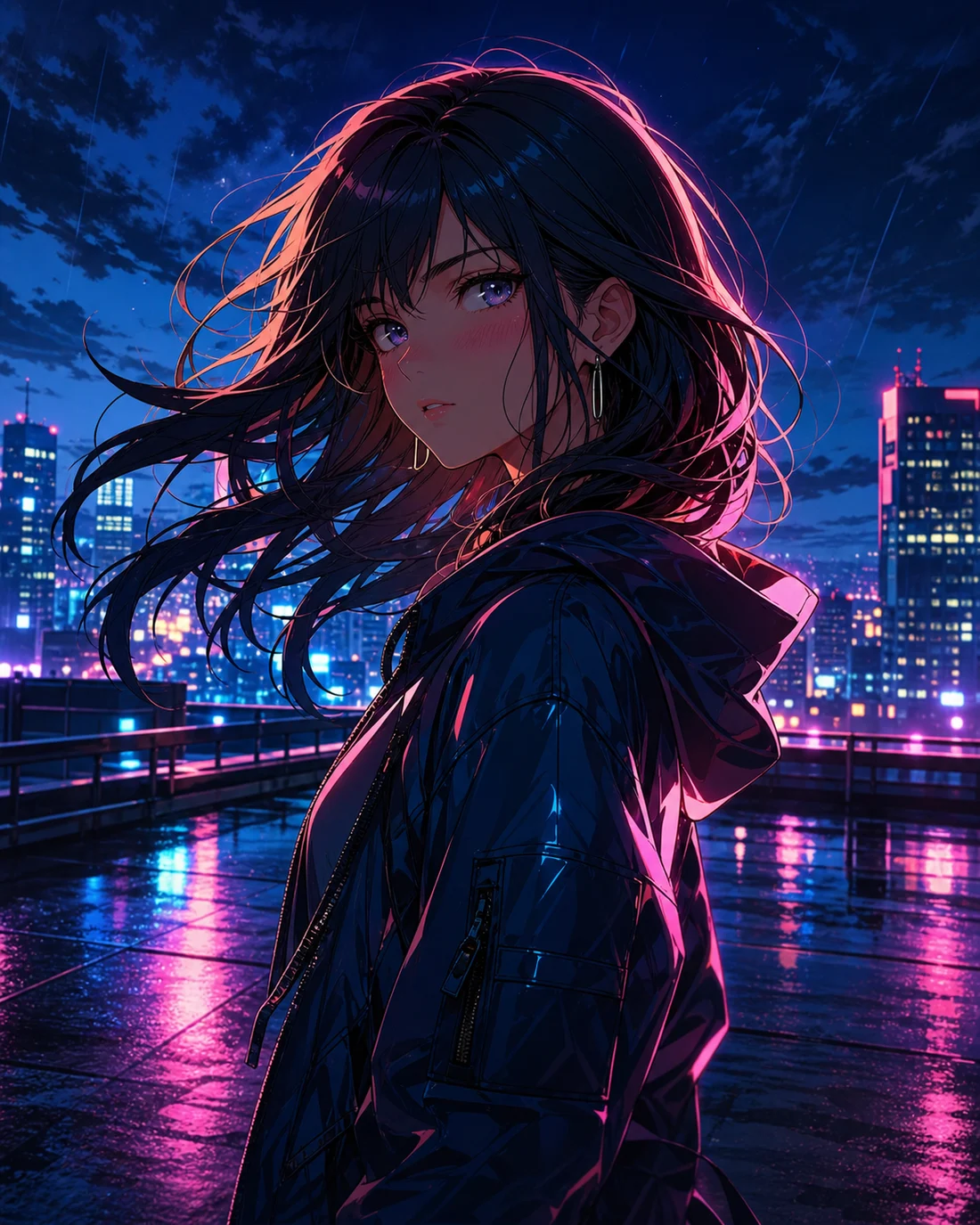
Standard image
Advanced image
Text prompt
Describe the subject, scene, lighting, and composition
1024 × 1024
Generate a square anime image
Download
Review and save the result on the same page
Example outputs
Create profile images, portraits, and original character concepts.
Open the generator

How it works
Describe one subject and scene, then add lighting, color, and framing.
Use standard mode for quick iterations or advanced mode with a paid plan.
Review the result here and revise one prompt detail when needed.
Choose the right workflow
Static images only
No video controls, so the workflow stays focused.
Switching between image and video
Use the combined page when you need both output modes.
Starting from an existing photo
Use the photo workflow when a source image defines the direction.
No. AI Image Tool only creates static anime images. Use AI Anime Generator when you need both image and video modes.
Each standard image costs 1 credit. New accounts receive 10 introductory credits valid for 30 days.
The image tool currently supports text-to-image generation only.
Yes. Advanced image generation is available to users with a paid plan.
Compare cel-shaded, watercolor, neon, and other still-image directions.