
2026/07/21
అనిమే క్యారెక్టర్ Prompt రాయడానికి ప్రాక్టికల్ గైడ్
ముఖం, దుస్తులు, pose, camera, background కోసం స్పష్టమైన anime character prompt రాయండి. Template, error diagnosis, revision పద్ధతి ఉన్నాయి.
మంచి అనిమే క్యారెక్టర్ prompt అంటే “అందమైన”, “epic”, “చాలా detailed” అనే పదాల జాబితా కాదు; అది చిన్న design brief. క్యారెక్టర్ ఎవరు, ఏ లక్షణాలతో గుర్తుపడతారు, ఏం చేస్తున్నారు, frame ఎలా ఉండాలి అనే విషయాలు రాయండి. చిత్రం వచ్చిన తర్వాత briefతో పోల్చి, పెద్ద తేడాను ముందుగా సరిచేయండి.
అనిమే క్యారెక్టర్ generator ప్రతి requestకు ఒక 1024 × 1024 square raster image తయారు చేస్తుంది. సాధారణ generation సాధారణంగా 1 credit; prompt పరిమితి 2,500 అక్షరాలు. Editable layers ఉండవు; వేర్వేరు generations మధ్య ఒకే identity పూర్తిగా lock కాదు.
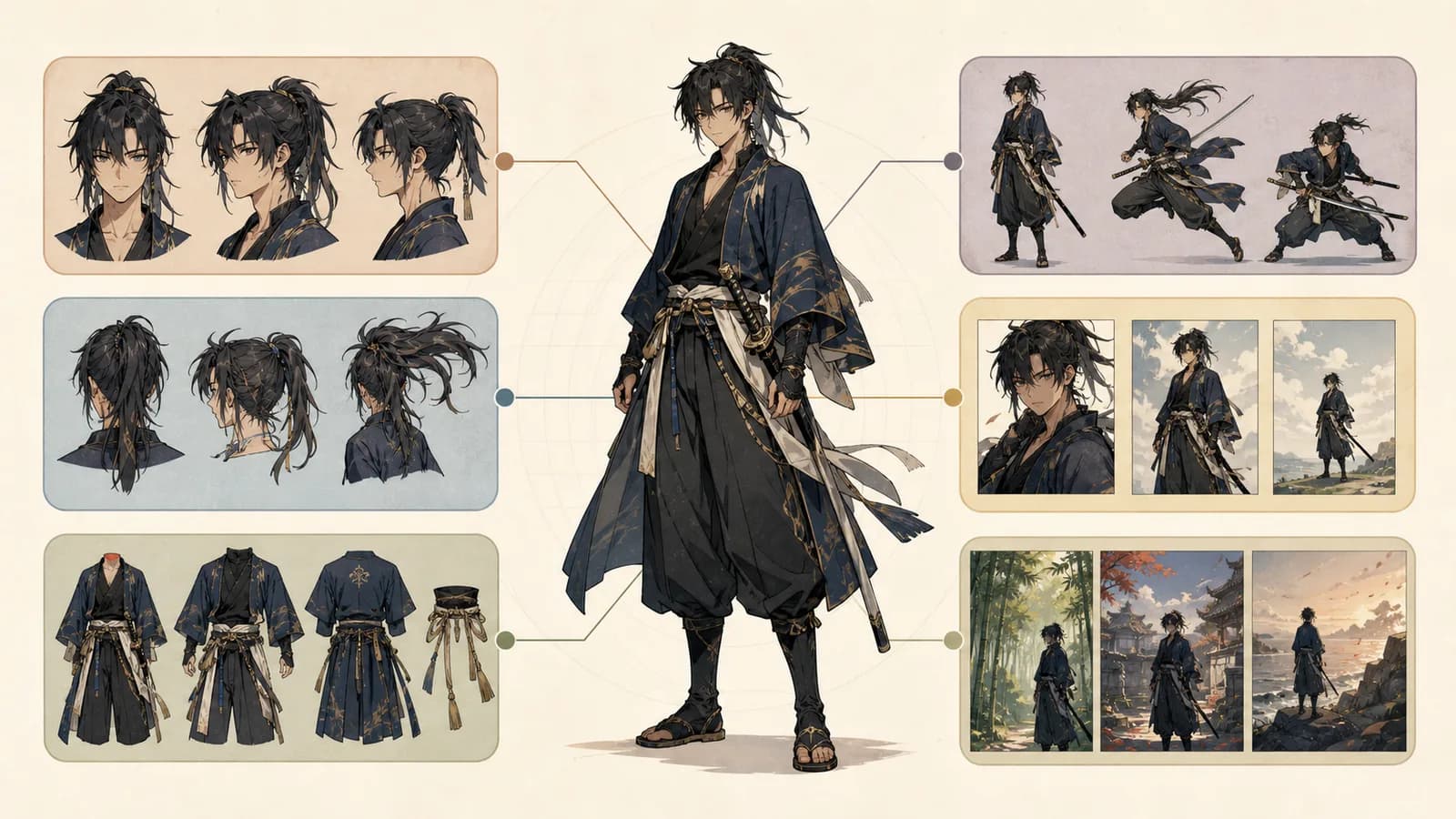
Promptలో ఆరు భాగాలు
- Identity: పాత్ర, వయస్సు పరిధి, స్వభావం, అంతర్గత conflict.
- ముఖం, జుట్టు: face shape, eyes, eyebrows, hairstyle, ఒక ప్రత్యేక గుర్తు.
- దుస్తులు: silhouette, construction, material, palette, accessory.
- Pose, expression: స్పష్టమైన ఒక action, ఒక ప్రధాన emotion.
- Camera, light: shot size, angle, focus, main light direction.
- Background: పాత్రకు సరిపోయే ప్రదేశం, అవసరమైన ఖాళీ స్థలం.
Google Cloud అధికారిక guide కూడా subject, context, styleతో మొదలుపెట్టి iterations ద్వారా వివరాలు జోడించమంటుంది. Adobe Firefly నేరుగా, స్పష్టంగా రాయడం, light మరియు camera angle నిర్ణయించడం సూచిస్తుంది. ప్రతి వాక్యం ఫలితంలో తనిఖీ చేయగలిగే అంశాన్ని చెప్పాలి.
“Cool cyberpunk girl” బదులు: “వర్షపు night shift ముగించిన యువ bicycle courier; ధైర్యంగా కనిపిస్తుంది కానీ ప్రతి చీకటి doorwayను చూస్తుంది; practical rain jacket, జాగ్రత్తగా repair చేసిన family pendant.” ఎడమ eyebrowలో చిన్న gap, coral bag strap వంటి రెండు గుర్తులు మాత్రమే ఉంచండి. జుట్టును రంగు కంటే ముందుగా ఆకారంగా వివరించండి.
Copy చేసుకునే Template
Original anime character: [role, age, personality, conflict].
ముఖం: [shape], [eyes/eyebrows], [nose/mouth], [special mark].
జుట్టు: [shape, length, part/fringe, color variation].
దుస్తులు: [silhouette], [construction], [material], [base, secondary, accent colors], [one accessory].
Pose: [direction/weight], [hands], [expression/gaze].
Camera: [close-up/half/full body], [eye level/high/low angle], character at [position].
Light: [one main source and direction].
Background: [specific place/time], limited detail, empty space at [position], no text, logo, watermark.
ఒక ప్రయత్నంలో ఒక variable మాత్రమే మార్చండి. ముఖం మారితే face, hair blockలను అచ్చంగా తిరిగి వాడండి. దుస్తులు clutteredగా ఉంటే ఒక prop, ఒక accent color, రెండు గుర్తులు మాత్రమే ఉంచండి. ఎంపిక చేసిన image, fixed prompt blocks, colors, manual correctionsను separate character sheetలో భద్రపరచండి.
నిజమైన portraitతో మొదలెడితే ఉపయోగించే హక్కు ఉన్న imageను మాత్రమే Photo to Anime AIలో upload చేయండి. ఫలితం కొత్త 1024 × 1024 interpretation; pixel filter కాదు.
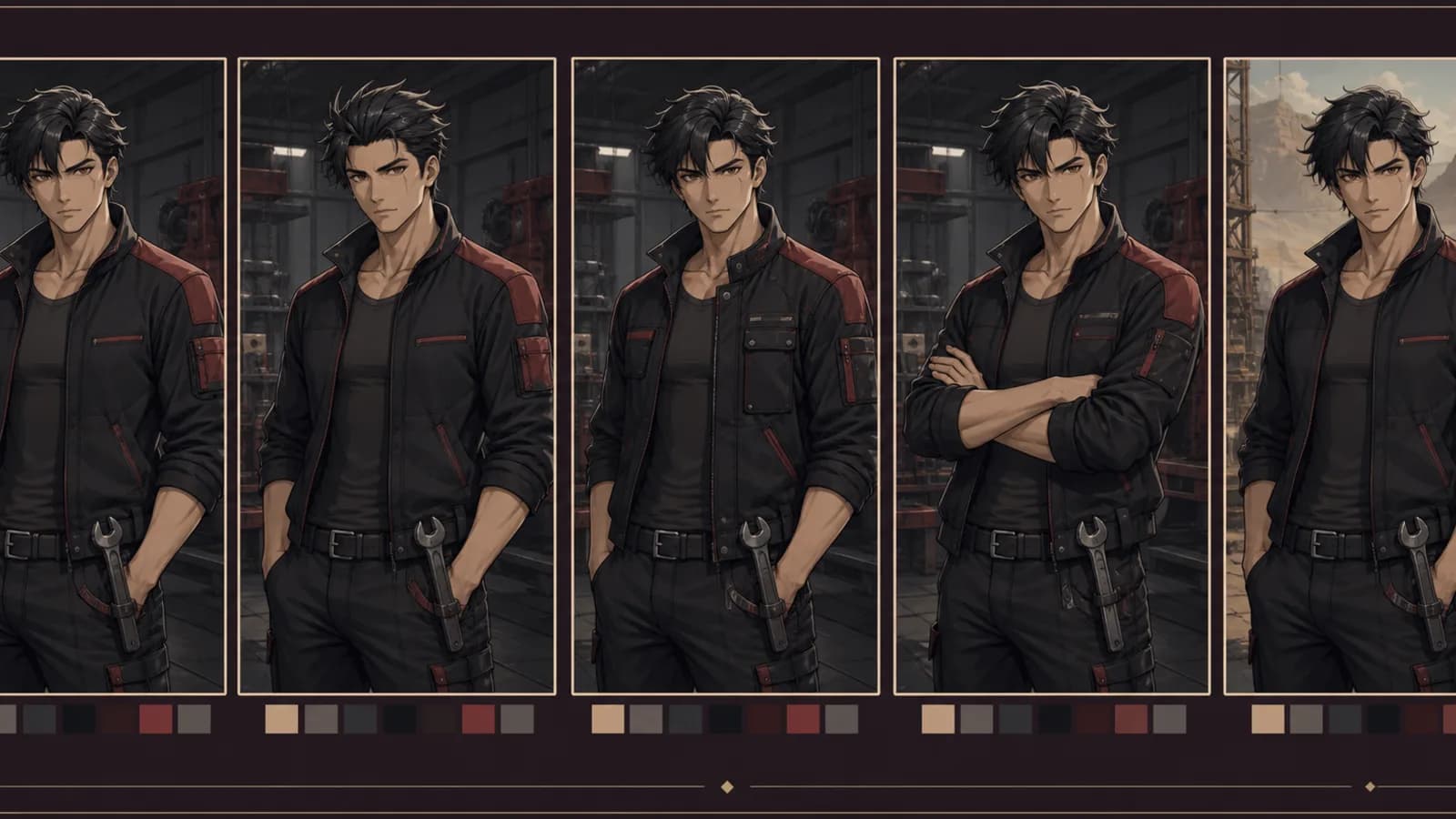
Rights, accessibility
ప్రముఖ పాత్రలతో పోలిక, అనుకోని symbols, signatures, fake text తనిఖీ చేయండి. References మీవి, licensed లేదా permitted కావాలి. U.S. Copyright Office 2025 report మానవుడు నిర్ణయించిన expressive elements, creative arrangement లేదా modificationను ముఖ్యంగా చూస్తుంది; prompt ఒక్కటే authorshipను ఆటోమేటిక్గా ఇవ్వదు. ఇది ప్రపంచవ్యాప్త legal advice కాదు.
W3C WAI informative imagesకు చిన్న context-based alt, controlsకు function description, decorationకు alt="" సూచిస్తుంది. మొత్తం promptను altలో పెట్టకండి.
Sources
- Google Cloud image prompt guide
- Adobe Firefly effective prompts
- W3C WAI alt decision tree
- U.S. Copyright Office AI report
అనిమే క్యారెక్టర్ generatorలో ఒకసారి ఒక design decision మాత్రమే పరీక్షించండి. తదుపరి correctionను స్పష్టంగా చూపించేదే ఉపయోగకరమైన prompt.
రచయిత

వర్గాలు
మరిన్ని పోస్టులు
ప్రొడక్షన్ గైడ్లు
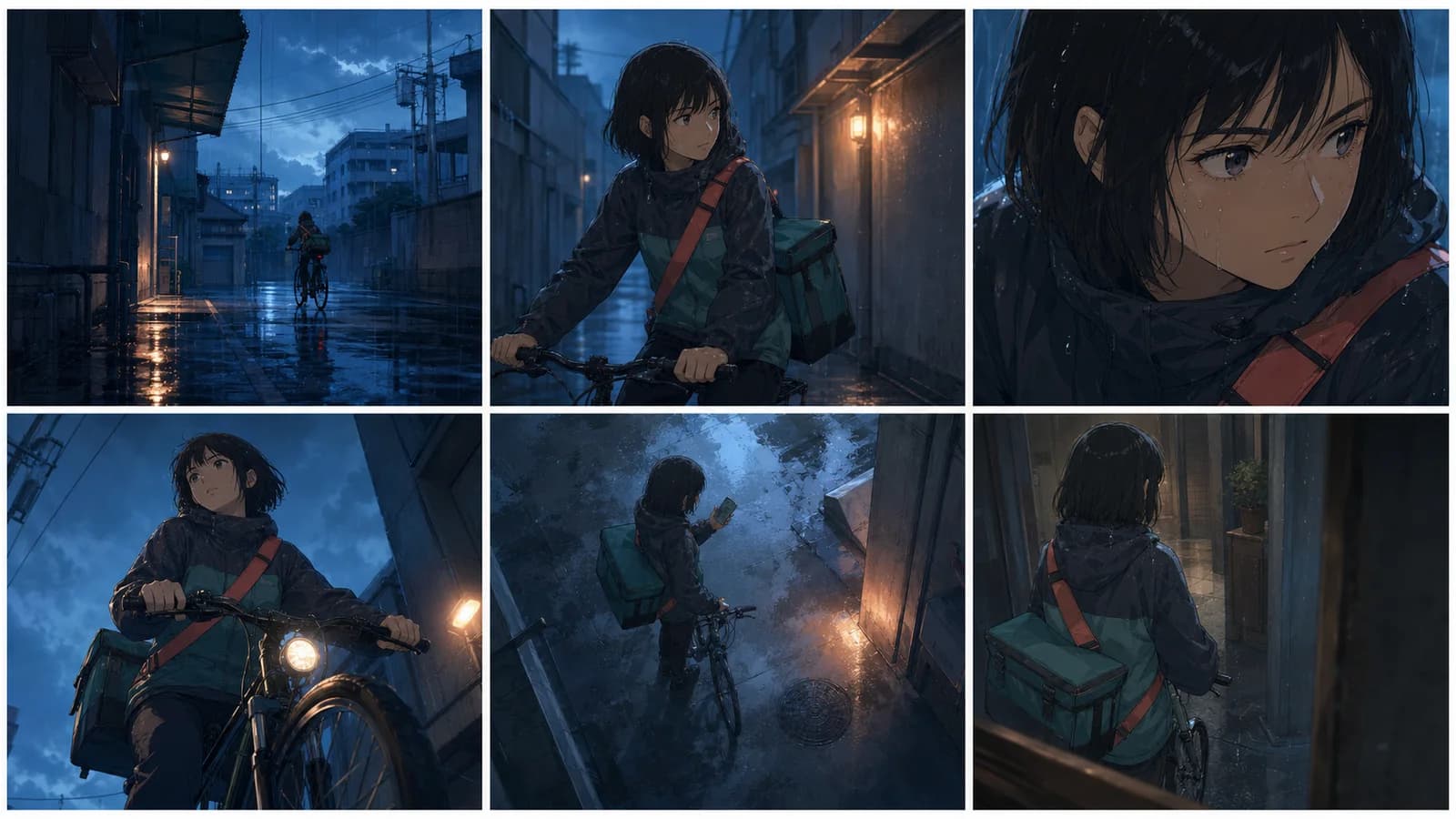
అనిమే కెమెరా యాంగిల్స్: ప్రాక్టికల్ గైడ్
ఐదు షాట్ సీన్, పరీక్షించగల prompt, continuity checklistతో అనిమే కెమెరా యాంగిల్స్ మరియు shot sizesను ప్లాన్ చేయండి.
ప్రొడక్షన్ గైడ్లు
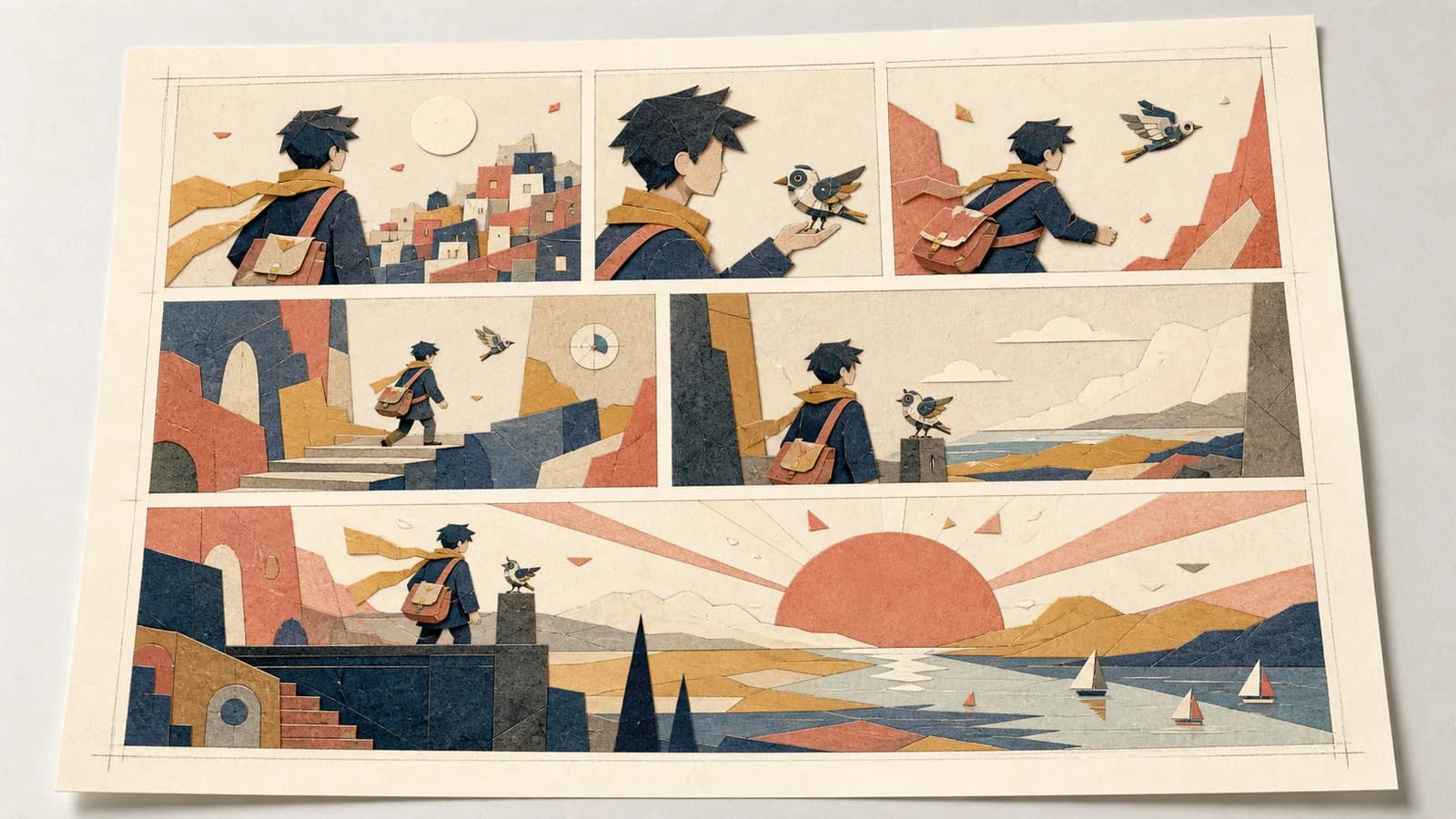
కామిక్ ప్యానెల్ లేఅవుట్: రీడింగ్ ఫ్లో, పేసింగ్ గైడ్
ప్యానెల్ క్రమం, పరిమాణం, gutter, dialogue, focusను ప్లాన్ చేసి print, mobile, vertical scrollలో పరీక్షించండి.
ప్రొడక్షన్ గైడ్లు
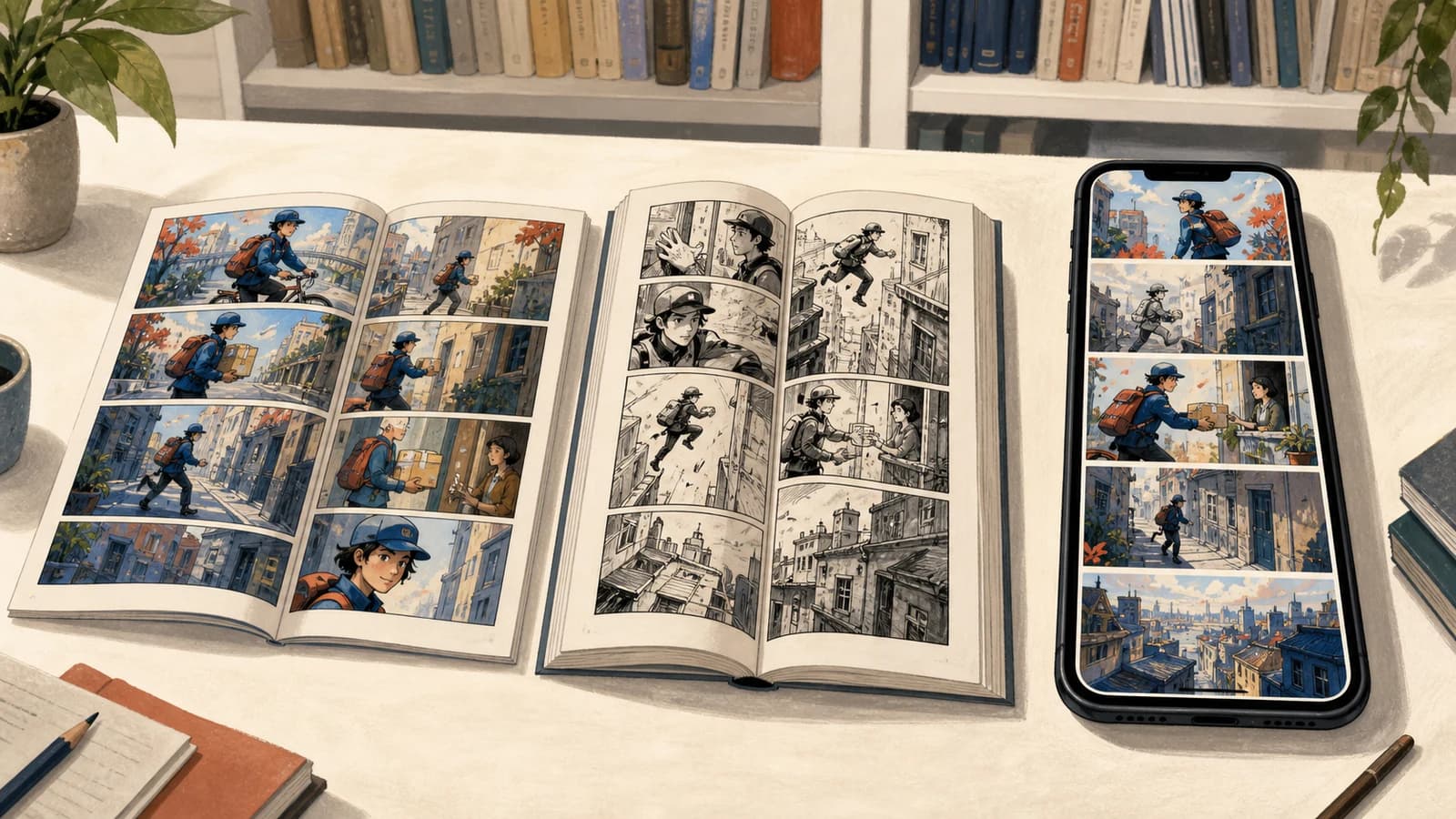
కామిక్, మాంగా, మన్హ్వా: ఆచరణాత్మక పోలిక
ప్రచురణ సంప్రదాయం, చదివే దిశ, రంగు, పేజీ లేదా స్క్రోల్, సీరియలైజేషన్ మరియు నిర్మాణం ఆధారంగా పోలిక.
వార్తాలేఖ
కమ్యూనిటీలో చేరండి
తాజా వార్తలు మరియు నవీకరణల కోసం మా వార్తాలేఖకు సభ్యత్వం పొందండి