
01
Write the costly conflict
Name what the protagonist wants, what resists them and what gets worse when they make progress.
Comic book creator
Turn a premise into a page-by-page production plan before you spend days drawing the wrong scene. Set the genre, tone, reader, length, protagonist and central conflict; the workspace distributes the story across 8, 12, 16 or 24 pages, gives every page a dramatic job, marks page-turn pressure and builds a continuity checklist you can carry into thumbnails. It runs in your browser and exports plain files you can keep.
This is a deterministic planning workspace, not a hidden script model and not a promise of a finished comic. It organizes your own premise into a tested short-comic arc. Revise the page jobs, replace generic language with story-specific action, then draw and letter the work in the software you already use.
Production outline
Each card describes one page, not one panel. The layout note is a thumbnailing prompt, while the page-turn note tells you what question or consequence should pull the reader forward.
Each card describes one page, not one panel. The layout note is a thumbnailing prompt, while the page-turn note tells you what question or consequence should pull the reader forward.
The result is a structured editorial document: one task, thumbnail direction and page-turn intention for every interior page, followed by a continuity pass. The planner does not draw panels or claim that a complete book has been generated. Its value is reducing expensive ambiguity before production begins.
Output
8–24 page cards plus a continuity checklist
Privacy
Runs locally in this browser; no sign-in required
Export
Readable Markdown or plain text in page order
Create a multi-page comic book
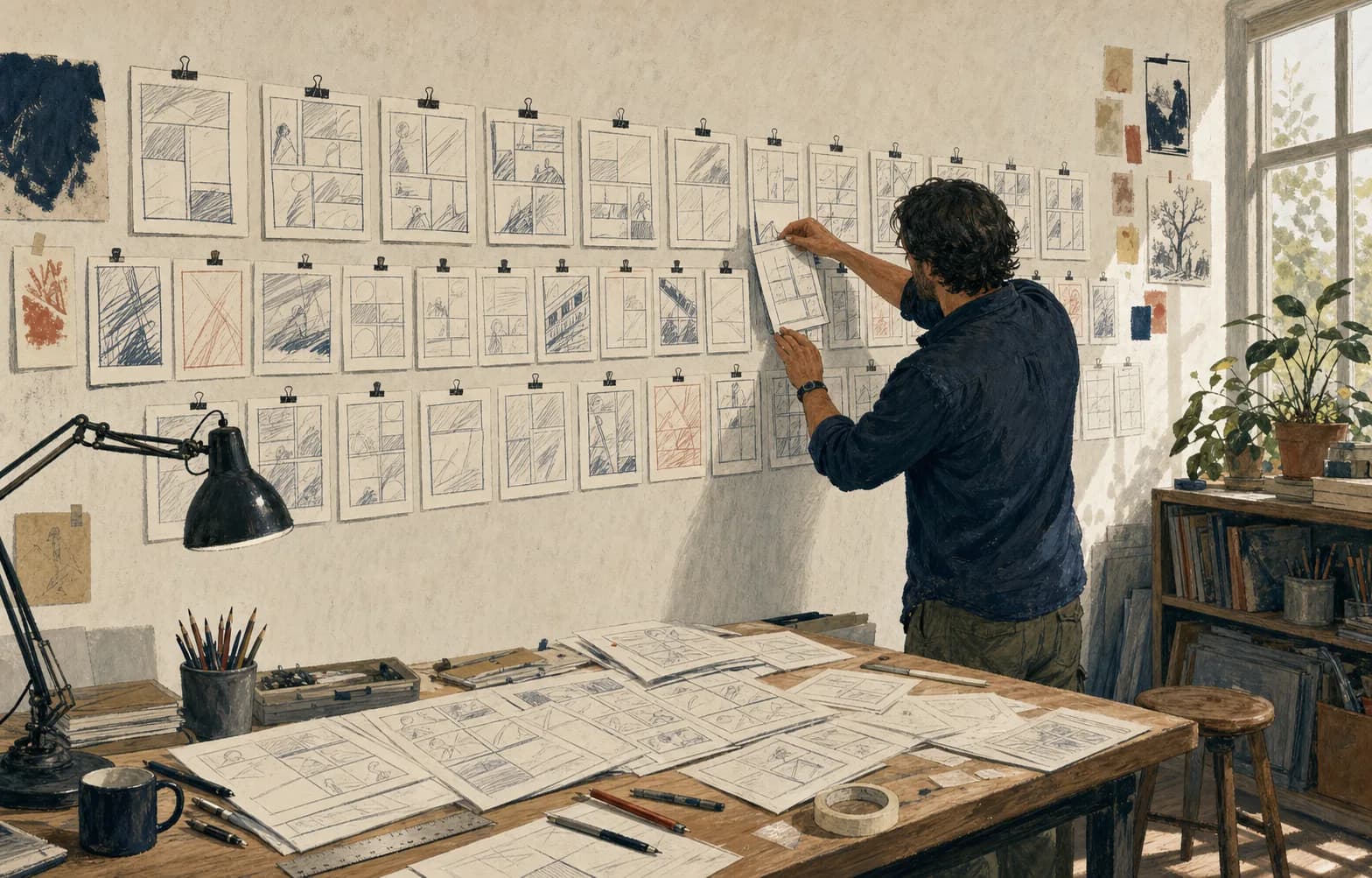
A comic book is not a stack of individually attractive images. It is a controlled reading experience in which information arrives through panels, pages and turns. A creator needs to know what changes on each page, what the reader is allowed to understand, what remains uncertain and which visual facts must survive into the next scene. Starting directly with polished art hides those questions under rendering effort. A page plan exposes them while revision is still cheap. You can move a revelation, combine two repeated conversations or remove a location in minutes rather than repainting finished backgrounds.
This workspace begins with the minimum useful premise: a protagonist with a practical goal and a conflict with a cost. “A courier wants to find her sister” gives direction; “every clue brings tomorrow’s storm into the city” makes progress dangerous. Together they produce choices. Genre and tone then act as editing constraints. A mystery must change what evidence means. An adventure must change the route, resources or alliance. Character drama must change a relationship through behavior. Visual comedy must establish a pattern and make the consequence readable without depending on an explanation.
The generated plan is deliberately provisional. Read each page task and replace abstract phrases with observable action from your story. “The ally pursues another goal” might become “Ivo locks the weather ledger in the station office while Mara pockets the final address.” That sentence gives the artist bodies, objects, possession, direction and disagreement. The planner supplies a dependable structural pass; authorship still lives in the details you choose, the behavior you observe and the decisions only your characters would make.
Comic book page planning
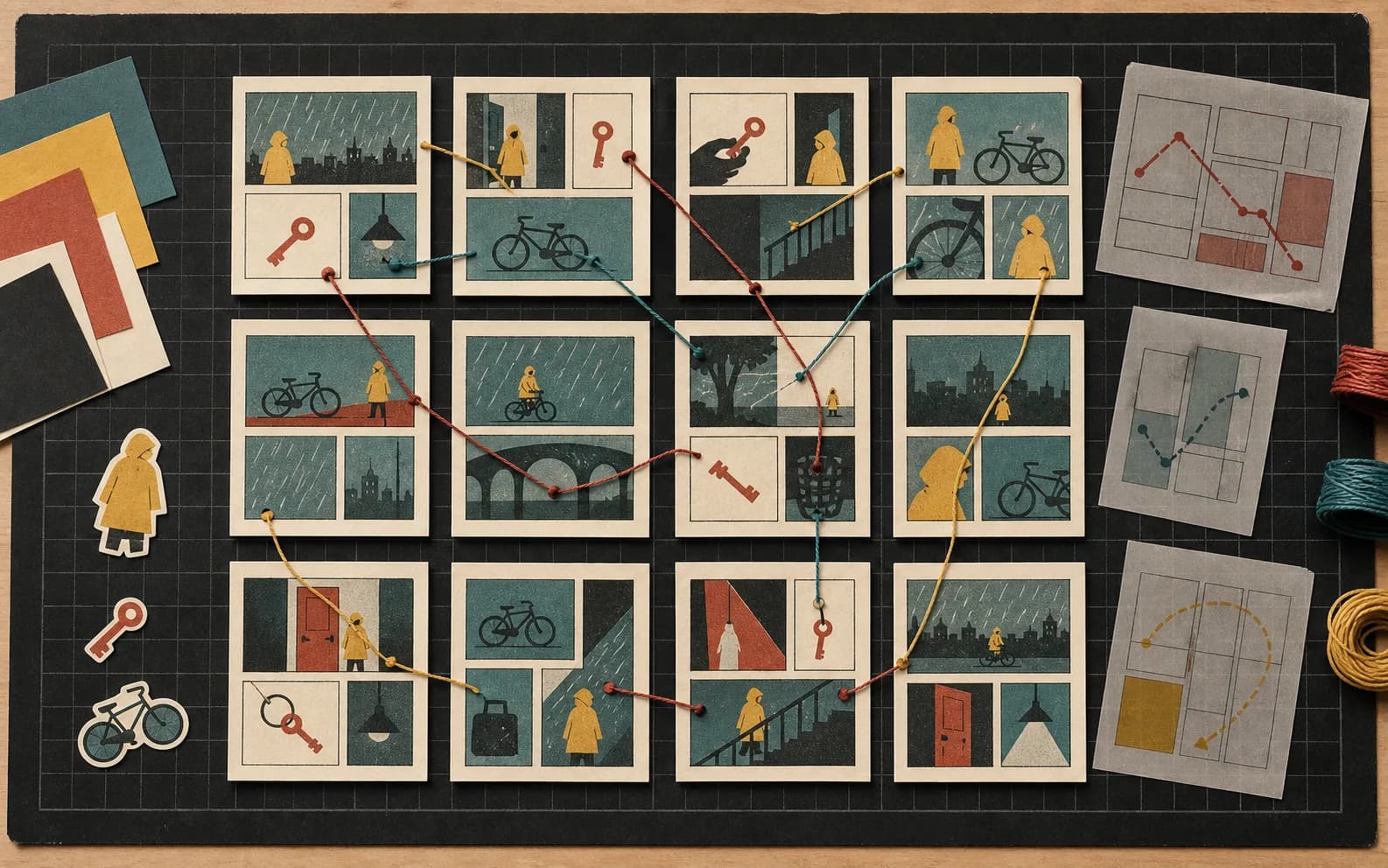
A page can contain several actions, but it should have one reason to exist. It may establish geography, deliver evidence, complicate access, reveal a reaction, reverse an assumption, force a choice or show consequence. Write that job at the top of the thumbnail. If you cannot name it, the page may be repeating information or trying to carry too much. If two consecutive pages have the same job, combine them or make the second one change scale, knowledge, ownership, time or emotional commitment.
Page count changes rhythm, not merely quantity. An eight-page comic usually needs aggressive compression: an opening contradiction, a quick pursuit, one meaningful reframe, a decisive choice and enough room to see the consequence. Twelve or sixteen pages can support a secondary relationship, a failed solution and a quieter beat after the midpoint. Twenty-four pages can breathe, but extra space is not permission to postpone the story. Use it for clearer geography, accumulating evidence, silence, embodied work and consequences that would feel abrupt in a shorter version.
The layout notes in the tool are prompts for thumbnailing rather than rigid templates. A steady grid makes small behavioral changes easy to compare. A dominant panel can establish place or force the reader to sit with consequence. Repeated compositions can turn one altered prop into a clue. Before selecting a layout, ask what the page job requires the reader to notice and in what order. Panel design follows that answer. Decorative variety without information creates visual noise; strict grids without rhythmic purpose make every moment feel equally important.
Plan page turns
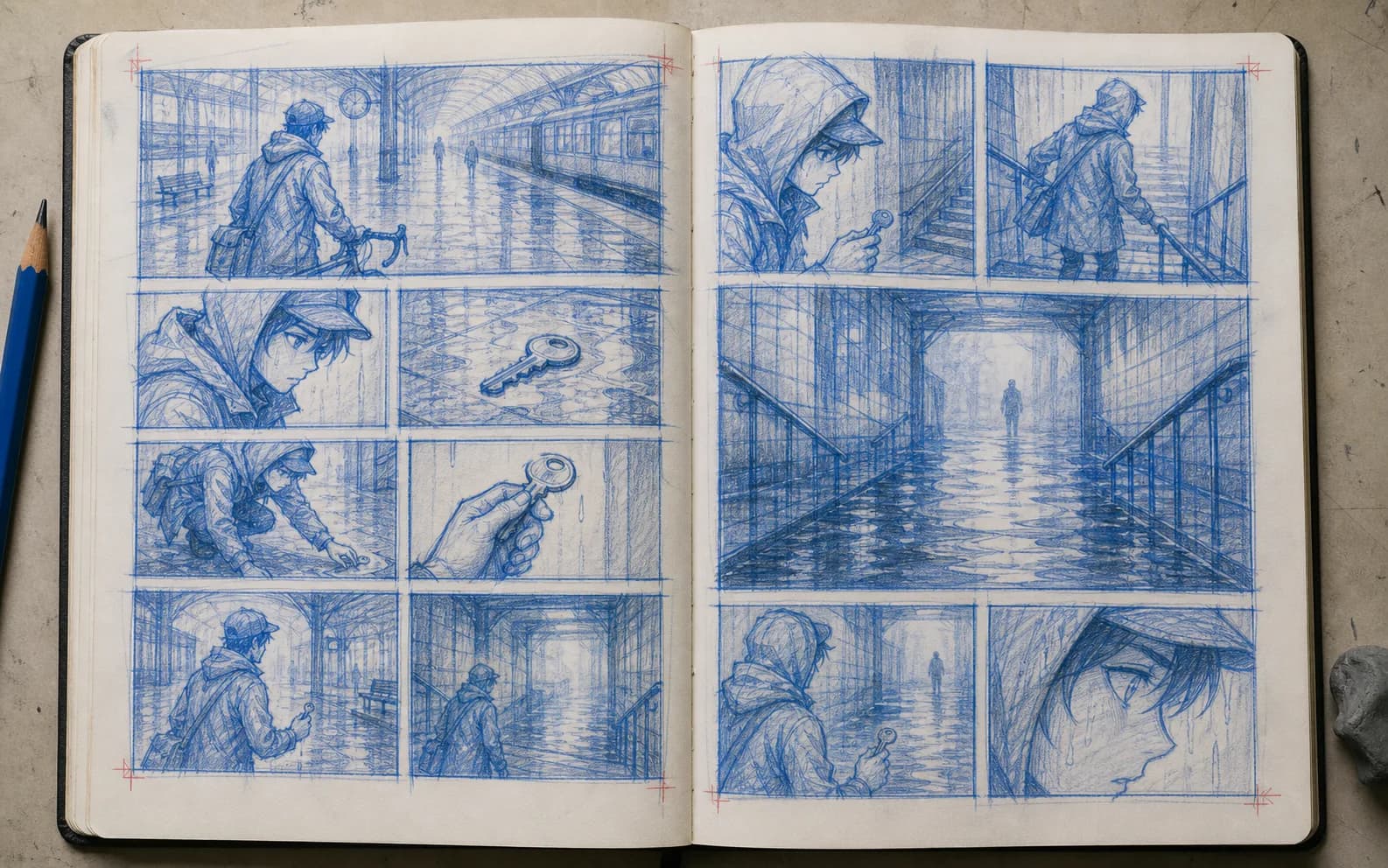
The right-hand page and the next left-hand page form a small editing machine. The final panel before a turn can create a question, prediction, fear or incomplete action; the first panel after it answers, reverses or deepens that pressure. A reveal works when the earlier page has prepared the reader to care. Hiding a random monster, location or character may create surprise, but without causal setup it rarely changes the story. The planner therefore pairs each page task with an explicit turn intention so you can test the relationship before drawing.
Not every page needs a cliffhanger. Constant urgency flattens rhythm and teaches the reader that no moment will be allowed to settle. Some turns are invitations: a repeated sound continues into a new location, a character opens a letter and the next page begins on their changed posture, or a quiet object from the opening returns with a new owner. Others compress time or shift point of view. Name the effect you want—anticipation, reinterpretation, relief, dread, recognition—then design the final and first images as a pair.
Print and scrolling formats treat turns differently. In a saddle-stitched book, physical spreads and recto-verso placement matter; in a web reader, the viewport and loading rhythm may replace the paper turn. This tool exports reading order, not printer imposition. If the comic is headed to print, add covers and blank pages in a separate production document, confirm the printer’s binding and bleed specifications, and create imposition only from the final prepress instructions. Do not reorder your story pages based on a generic online diagram.
Consistent characters across chapters
Continuity failures are usually documentation failures before they are drawing failures. A character sheet can establish appearance, but it cannot tell you when a sleeve tears, which hand holds the key, who has learned the secret or whether rain has stopped. Record the state at every scene boundary: clothing, injuries, carried objects, location, time, weather, knowledge, relationship and intention. A simple table makes disagreements visible. When two pages imply different states, decide which one serves the story and update the other before line art.
Knowledge continuity deserves its own pass. Write every important fact on a card and list the page where each character learns it. This prevents a character from reacting to evidence they have not seen or repeating an explanation the audience already understands. It also creates dramatic irony deliberately: the reader may recognize the red key on page four while Mara does not understand it until page nine. The difference should be planned, not the result of a draft that forgot who was present.
Visual anchors help the reader recognize people quickly, but they should survive action logically. Record silhouette, posture, dominant shapes and a small number of story-relevant details rather than treating a crowded costume sheet as continuity insurance. If the raincoat is torn during the failed solution, mark the tear’s side and let it remain. If a prop changes hands, update both characters. Across chapters, add a short “previously true / now true” summary so collaborators can enter the next sequence without rereading every production note.
Thumbnail before rendering
Thumbnailing is where the page plan becomes visible rhythm. Draw every page small enough that detail cannot rescue weak staging. Use simple silhouettes, panel borders, eyelines, value blocks and arrows. Then place the pages together in reading order. At that scale you can see repeated compositions, crowded passages, accidental dead zones and whether the climax actually receives more visual weight than the setup. The goal is not pretty miniature art. It is a sequence another person can follow.
First read the thumbnails without dialogue. Can you locate the characters, follow action and identify the major change? Next add temporary balloons as shapes, not finished prose, and check that reading order remains clear. A strong drawing may fail once balloons cover the only useful gesture. A witty line may be unnecessary when the image already communicates the fact. Rewrite with the page’s available space in mind. Lettering is part of composition, not a caption layer added after the art is locked.
Review at three distances. From across the room, test value rhythm and the distribution of large panels. At arm’s length, follow panel order, body orientation and page turns. Up close, inspect expressions, props and balloon relationships. Different problems reveal themselves at different scales. Digital creators can mimic this by viewing all pages as tiny tiles, then spreads, then individual pages. Keep the plan beside the thumbnails, but allow the drawings to expose where the plan was wrong.
Revise the whole sequence
When a draft feels flat, “make it more exciting” is not an actionable note. Diagnose the failed relationship. Does the protagonist make a decision too late? Is the central cost invisible until the climax? Does the midpoint merely add information instead of changing the plan? Are three pages performing the same conversation? Select one variable—goal clarity, opposition, knowledge, time pressure, page-turn logic, visual contrast—and revise the sequence specifically for it. Multiple broad changes at once make it difficult to tell what improved.
A pacing pass should account for both event density and reading time. A page with six small panels may move slowly if each demands careful observation. A silent full-page image may read quickly but carry substantial emotional weight. Estimate what the reader must infer rather than counting panels alone. Mark places where a pause is needed after a difficult choice, where a transition can be compressed, and where the eye needs an establishing view before close action becomes intelligible.
Ask reviewers for evidence rather than ratings. Have them recount what happened, state what each major character wanted, identify the moment their understanding changed and predict what a page turn was setting up. Their retelling exposes the sequence they actually read. If several readers miss the same causal step, fix the page relationship before polishing dialogue. Preserve disagreement when it reflects interpretation, but investigate confusion when it blocks basic action, ownership or consequence.
Export comic pages in reading order
The workspace downloads Markdown or plain text in ordinary reading order: page one, page two, page three. That is the useful order for writing, thumbnails, review, lettering notes and digital delivery. Printer imposition—the arrangement of multiple pages on larger sheets for folding and binding—is a later technical operation that depends on page count, binding, stock and the printer’s workflow. Never convert the planning document into an imposed sequence and then use it as the editorial master; revisions become needlessly error-prone.
Use stable filenames and page IDs from the beginning. A practical pattern might include project slug, chapter, page number and revision, while keeping human-readable page numbers inside the document. Store the plan, thumbnails, pencils, inks, colors and lettering as distinct stages or versioned files. Define which file is authoritative. If collaborators exchange pages, include trim size, bleed, color profile, font licensing, linked assets and export status in a separate production checklist rather than burying those facts inside chat messages.
Before release, perform independent art, lettering and prepress checks. Art review covers continuity, anatomy, background logic and unintended marks. Lettering review covers copy, balloon order, tails, sound effects, credits and language-specific line breaks. Prepress review covers dimensions, bleed, safe area, resolution, color, embedded fonts and the printer’s PDF settings. This planner does none of those automatically. Its export is the bridge from premise to page production, not a print-ready book file.
Rights and responsible production
A production plan should record where important reference material came from and whether it can be used. Keep visual research separate from material you intend to reproduce. Do not trace protected artwork or copy a living artist’s distinctive character designs, page compositions or signature style as a shortcut. Build references from observed clothing, architecture, tools, weather, movement and multiple lawful sources. If real people, private places, brands or culturally specific material appear, identify what consent, accuracy or sensitivity review the project requires.
Accessibility begins before export. Reading order should remain understandable without relying only on color. Important text needs sufficient contrast and a legible size in the intended format. Digital publication may need alt text or a transcript that communicates essential action, dialogue and visual information without attempting to inventory every decorative detail. Plan where those descriptions will be authored and who will review them. Accessibility is editorial work, not a button that can be applied to finished art without context.
Finally, separate creative certainty from production certainty. A page plan can clarify intention, but it cannot guarantee market fit, legal clearance, printer acceptance or consistent drawing. Record open questions beside the plan: unresolved research, permissions, factual checks, sensitivity concerns, print tests and ownership decisions. A truthful comic book creator helps you see the work that remains. It does not hide that work behind a dramatic Generate button or imply that a sequence of templates has replaced the judgment of writers, artists, editors, letterers and production specialists.
01
Name what the protagonist wants, what resists them and what gets worse when they make progress.
02
Use the length you can draw and finish, not the length the premise might someday support.
03
Build the plan, then replace structural language with observable actions, objects and locations from your story.
04
Test composition, reading order, balloon space, page turns and visual rhythm at small scale.
05
Record state changes, revise the sequence and download the editorial master in normal reading order.
The page jobs are structural prompts. Dialogue, scene behavior, research and final story decisions remain yours.
No panel art, character consistency, lettering or editable drawing file is created by this browser tool.
Exports stay in reading order. Follow the chosen printer’s current specifications for bleed, color, binding and imposition.
You must verify references, permissions, trademarks, real people, cultural detail and factual claims.
It creates a complete page-by-page planning document for an 8–24 page short comic or chapter. It does not create final scripts, drawings, lettering, layered files or print-ready PDFs. The result is intended to guide thumbnailing and editorial review.
Choose the smallest page budget that can show the setup, complication, choice and consequence clearly—and that you can realistically finish. Eight or twelve pages can teach more about sequencing than an unfinished hundred-page outline.
No. The current planner runs deterministic, editor-written structure in your browser. Your title, protagonist and conflict are inserted into the plan locally; they are not presented as model-generated authorship.
A primary task makes revision diagnosable. It shows whether the page changes knowledge, access, pressure, relationship or consequence. Pages may contain several beats, but one dominant job prevents repetition and unfocused layout.
Reading order is the sequence the audience experiences. Imposition places pages on larger printer sheets for folding and binding. It depends on the print provider and should not replace the normal editorial order used by writers and artists.
Track appearance and state separately. A model sheet records stable design; a continuity log records changing clothing, wounds, props, location, weather, knowledge and relationships at each scene boundary.