
Plan manga speech bubbles
Plan oval bubbles, tails, and short lines of dialogue for manga panels while keeping faces, hands, and motion lines clear.
Manga speech bubble generator
Generate a 1024 × 1024 reference sheet for manga speech, thought, shout, and narration bubble shapes. This is a visual concept generator, not a drag-and-drop lettering editor.
Generate a 1024 × 1024 reference sheet for manga speech, thought, shout, and narration bubble shapes. This is a visual concept generator, not a drag-and-drop lettering editor.
Higher-detail generation for paid plans
Example outputs
What one focused input can produce
Standard image
Advanced image
Bubble shapes
Use speech, thought, shout, and narration styles
Reading order
Place tails and text so dialogue flows clearly
Clean handoff
Prepare text notes for posting, editing, or layout work
Use cases
Anime Maker can create a raster reference sheet for bubble shapes and visual direction. It cannot place editable text on an uploaded panel or export individual transparent bubble assets. Use the generated sheet as a reference, then handle exact wording, tails, and placement in a comic or image editor.
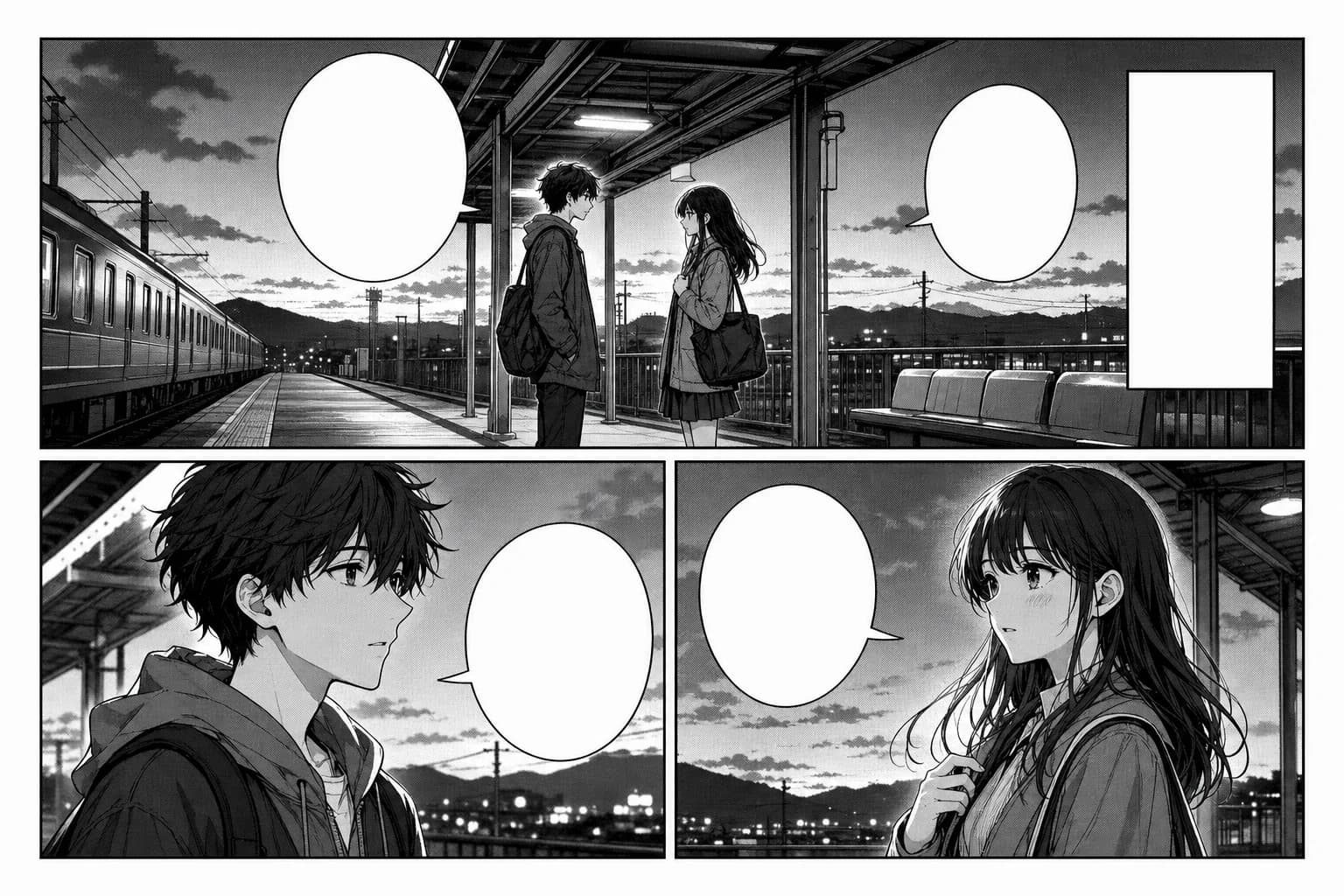
Plan oval bubbles, tails, and short lines of dialogue for manga panels while keeping faces, hands, and motion lines clear.
Use speech, thought, shout, and narration shapes for comic strips, web comics, reaction panels, and short social posts.
Adjust bubble position, size, and tail direction so the reader knows who speaks first and where to look next.
Prepare bubble text, speaker order, and placement notes for posts, storyboards, thumbnails, pitch pages, or continued comic editing.
Workflow
STEP 1
Start with a manga page, comic strip, or generated panel that has enough open space for text.
STEP 2
Pick speech, thought, shout, narration, or caption boxes based on the emotion and reading order.
STEP 3
Keep each line short, size each bubble around the text, and point the tail toward the speaker before final editing.
Compare
Adding dialogue to manga panels
Use this when manga panels need speech, thoughts, narration, or dramatic shout bubbles.
General bubble creation
Choose this when you need simple speech or caption shapes for any image.
Comic strips and web comics
Use it to plan dialogue after the comic panels or strip layout are already drafted.
Creating the panel art before text
Start with manga generation when you still need the artwork, panel order, or page composition.
FAQ
On Anime Maker, it generates a square visual reference sheet for speech, thought, shout, and narration bubble shapes. It does not provide editable lettering controls or place bubbles directly on an uploaded panel.
Use it to explore bubble shapes and create a visual reference. For exact text, transparent assets, movable tails, or placement on existing artwork, use a dedicated comic or image editor.
Use oval bubbles for normal speech, cloud shapes for thoughts, jagged shapes for shouting, and rectangular boxes for narration. Keep each line short so the panel stays readable.
Place bubbles in open areas first, then resize them and point the tail toward the speaker. Avoid covering faces, hands, key props, and action lines.
Yes. Generate the manga or comic art first, then add bubbles and captions after the composition is stable. This usually gives better text quality than asking an image model to draw final lettering directly.
Not from this generator. It returns one 1024 × 1024 raster image rather than separate transparent, editable bubble files. Recreate or isolate the chosen shape in an editor before final lettering.
Yes. An AI comic generator creates panel ideas and visual drafts. A speech bubble workflow focuses on dialogue, narration, reading order, and text placement after the art exists.